Generating Barcodes in Dynamics 365 Business Central

Barcode Generator PowerTool

Designed for Microsoft Dynamics 365 Business Central

A 100% Free App from Insight Works

Microsoft Marketplace Rating:
Rated 5 out of 5

Add 1D and 2D barcodes to your Microsoft Dynamics 365 Business Central reports.

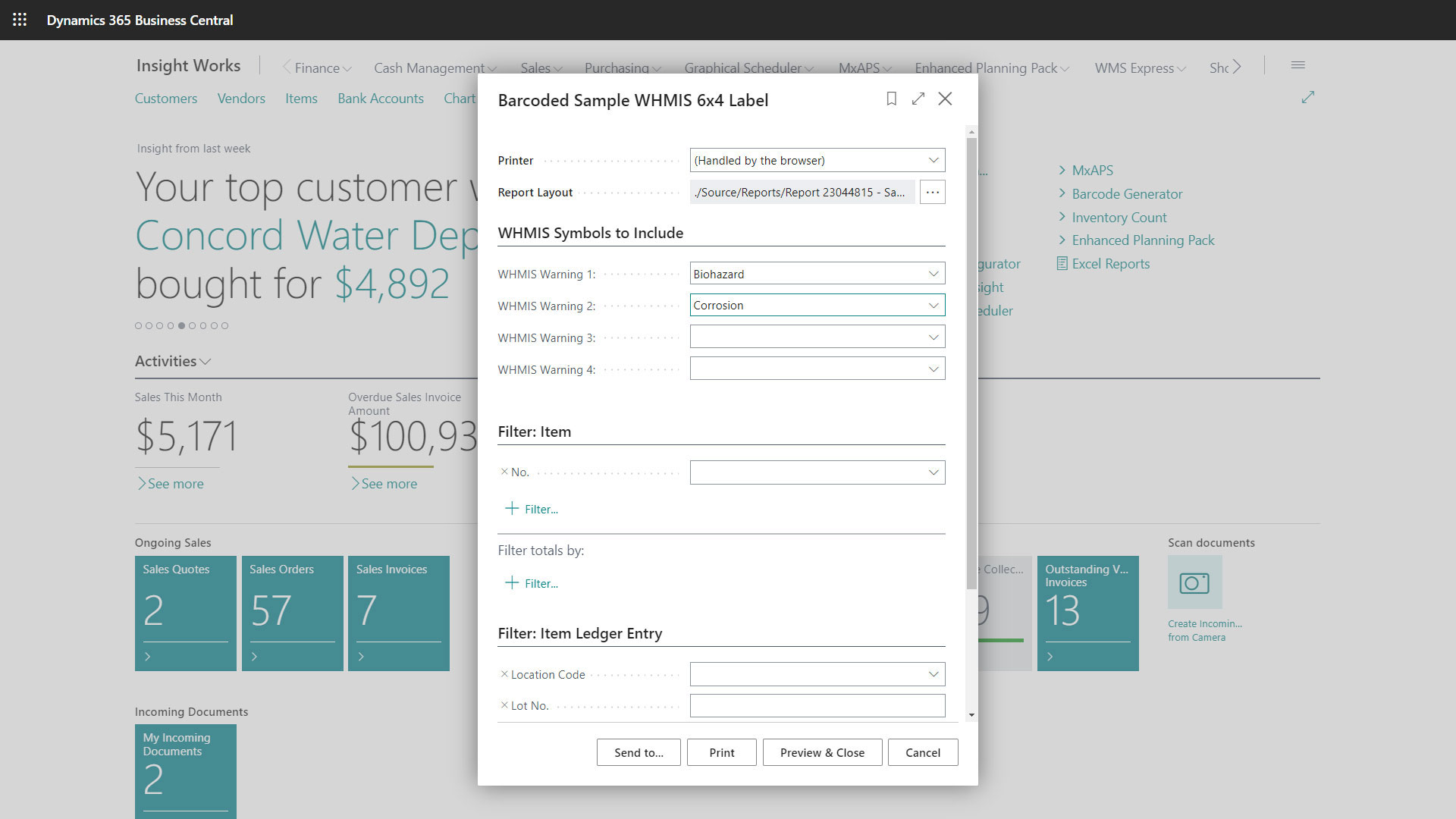
Insight Works’ Barcode Generator PowerTool for Dynamics 365 Business Central empowers businesses to integrate 1D and 2D barcodes into their reports, fostering efficiency and interoperability with existing hardware and third-party applications. The app is designed for technically proficient users. It offers sample layouts, custom reporting capabilities, and the flexibility to enhance documents such as invoices, warehouse receipts, production orders, and more with various barcode formats.

Transform your business logistics with the Barcode Generator PowerTool – when precision, efficiency, and data integrity matter most.

Email us your questions about Barcode Generator PowerTool:

Product Questions

What people are saying…

Every implementation should load and use this simple and essential Barcode Generator PowerTool!
Mike Ferragamo
Able to create any barcode with this Barcode Generator PowerTool add-on. Also offers number of sample report.
Valentina Bialczyk
Barcode Generator PowerTool works fine for barcodes and QR Codes.
Anonymous
I had a project where I needed a code 128 barcode on a report. I had done some barcode creation with a custom generator, but it only created Code 39. Looked in the AppSource store, found the Insight Works’ Barcode Generator PowerTool, installed, and quickly implemented it in my report. Very simple if you have some AL programming experience.
Nathan Wengerd
Barcode Generator PowerTool has been a really big help to our customers, and we truly love working with every Insight Works solution!
Balázs Szenzenstein