Features of Enhanced Planning Pack
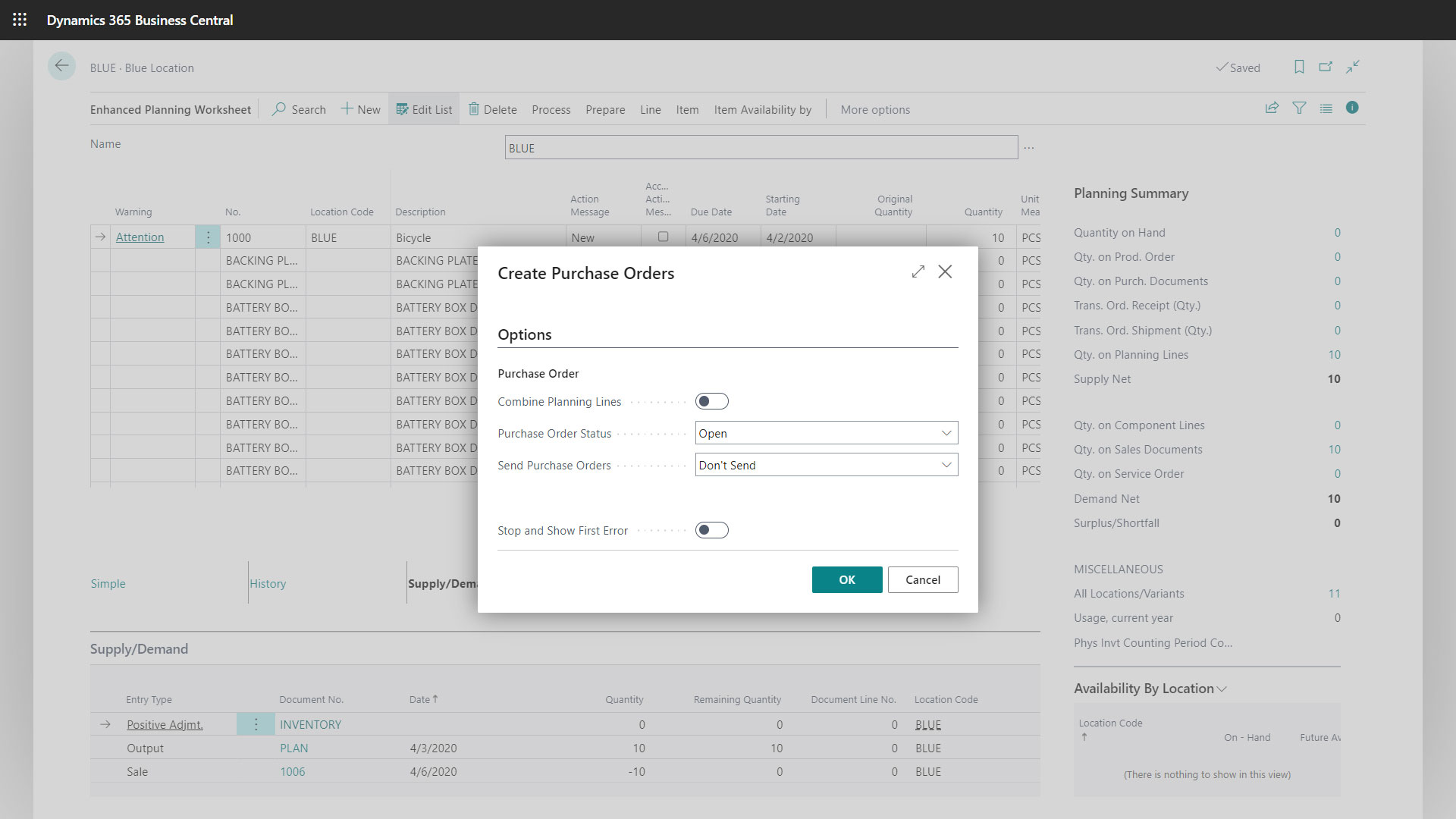
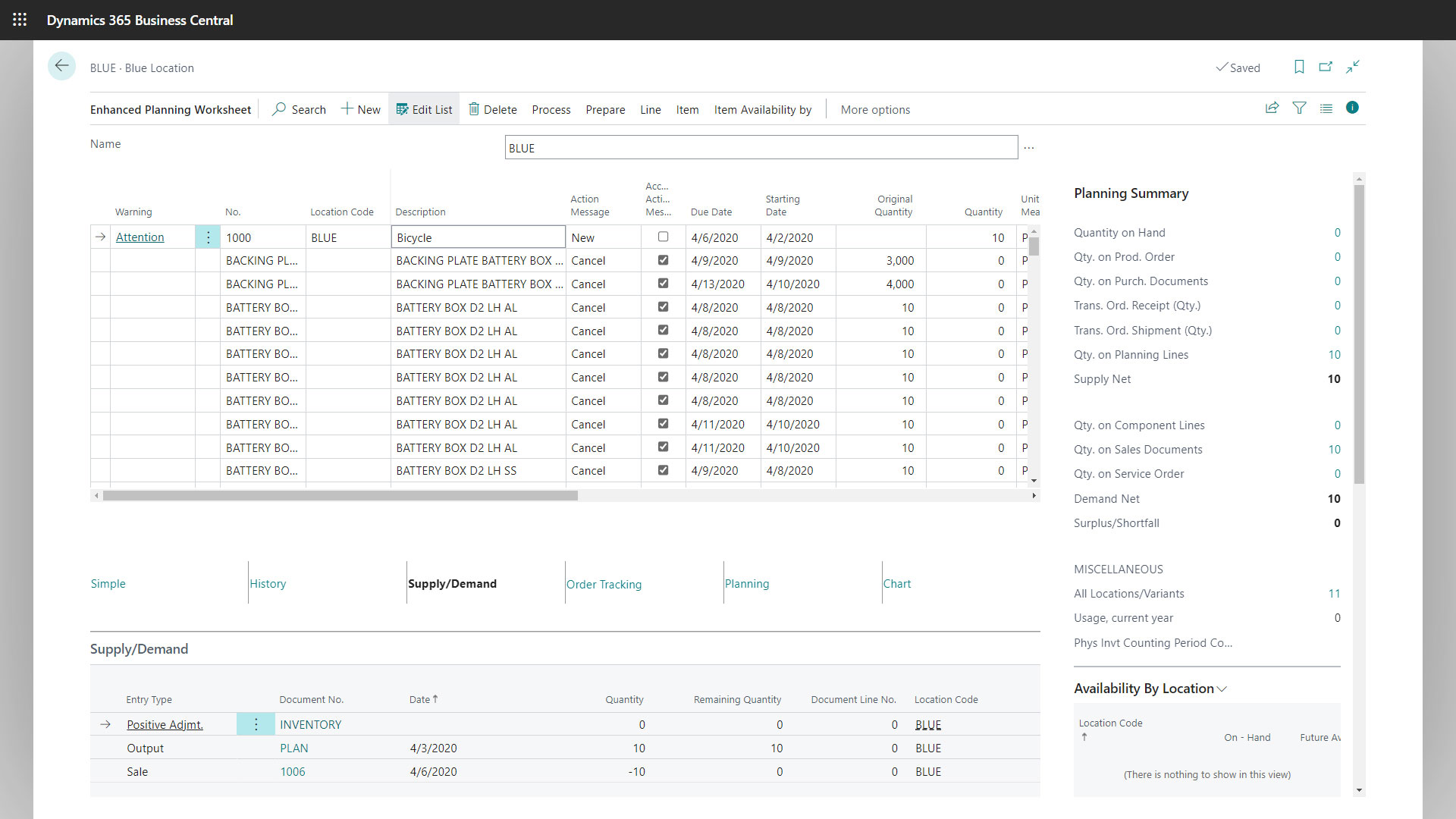
Enhanced Planning Worksheet
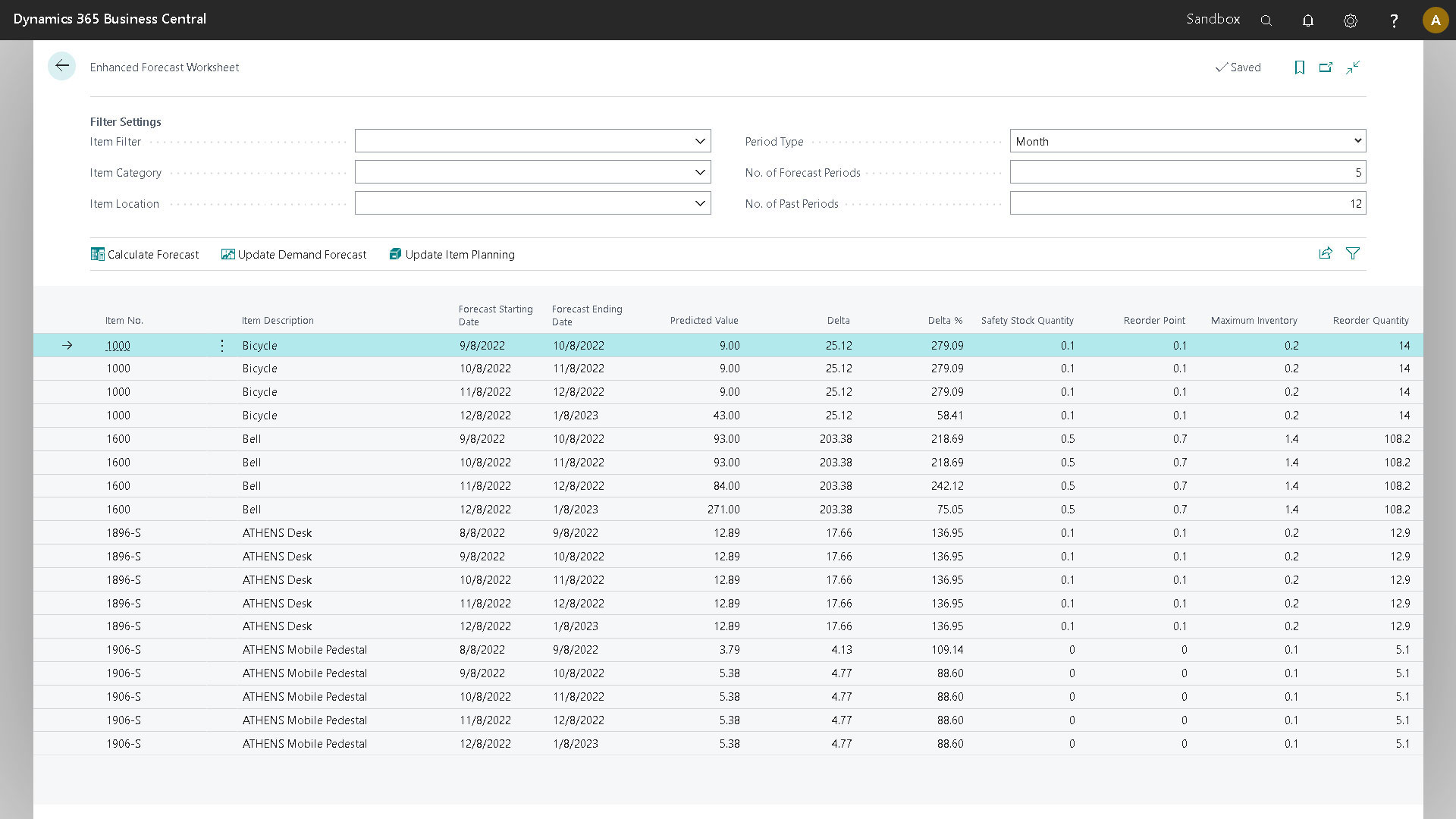
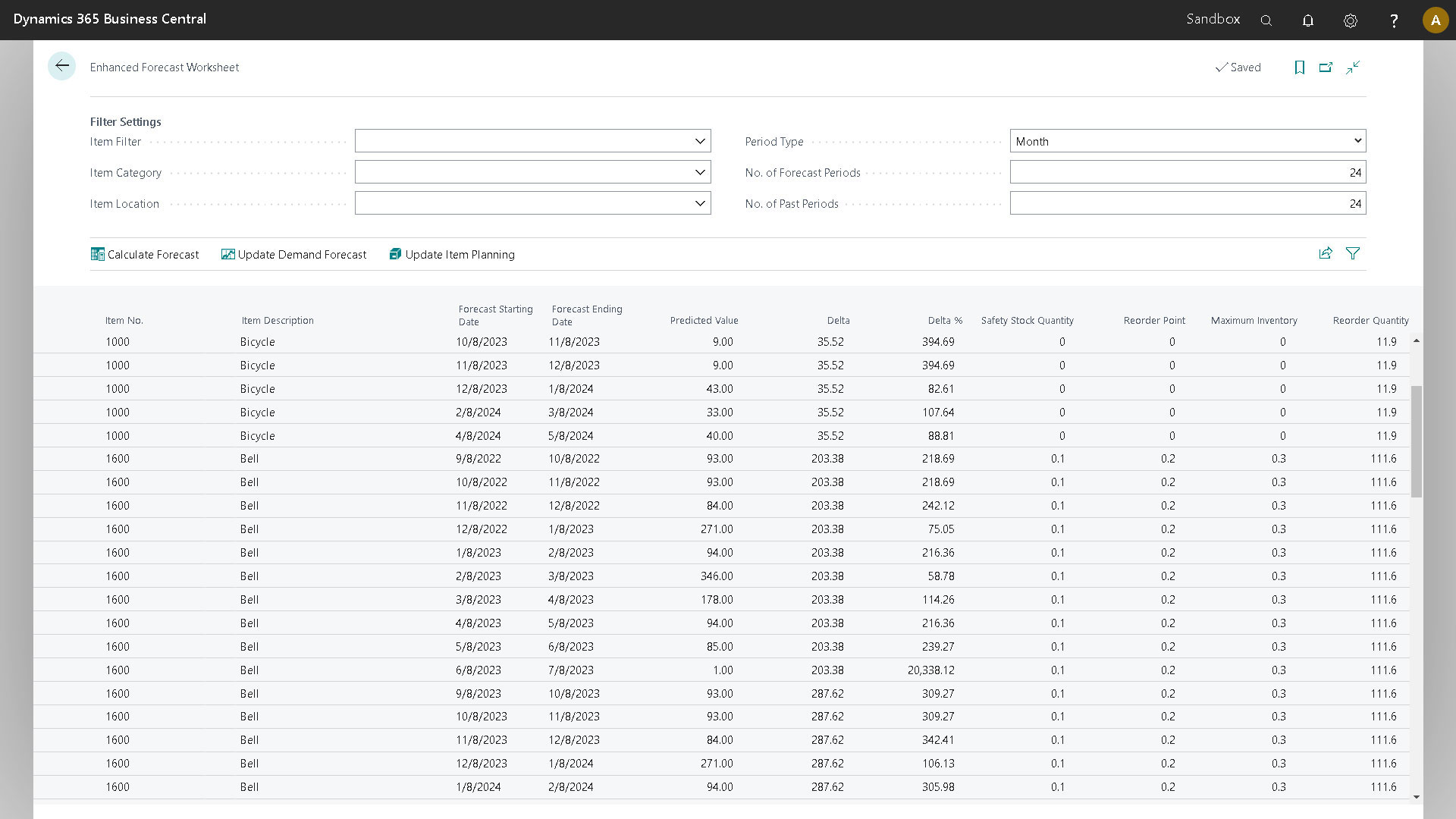
Extended Forecasting
Provides detailed and actionable forecasts for specific items, categories, or locations based on historical sales data.
Integration with Cortana Machine Learning Model
Processes sales history data using Microsoft’s Cortana machine learning model for accurate and efficient forecasting.
Demand Forecast Update
Allows for updating the demand forecast, which is then utilized by the Material Requirements Planning (MRP).
Calculated Values for Inventory Management
Computes key inventory management values such as safety stock, reorder point, maximum inventory, and reorder quantity based on user formulas.
Update Item Planning
Facilitates updating item planning values on the item card for better inventory planning at the item level.
Item Planning Review
Supply and Demand Summary
A summary of supply and demand, aiding in a quick understanding of the plan’s net result.
Visibility Across Locations
Provides visibility across multiple locations and companies for optimal decision-making regarding inventory management.
Vendor Planning Summary
Displays planned spending with individual vendors, ensuring minimum prepaid amounts are met.
Visualization of History
Gives a visual representation of sales and purchase history to aid decision-making.
Detailed History Tab
Provides a tabular view of sales and purchase history for in-depth analysis.
Enhanced Forecasting Worksheet
Item Planning Review
Manages planning parameters even without conducting a complete forecast.
Time Period Selection
Allows for selecting a specific period for review.
Filtering Options
Enables setting up filters to refine data based on specific requirements.
Data Generation
Generates specific usage data for the selected period.
Data Display
Shows average usage data with filtering options.
Multi-Level BOM Viewer
Bill of Materials (BOM) Analysis
Offers a hierarchical view of the materials required in a manufacturing process.
Supply-Demand Information
Displays supply and demand information for each BOM component.
Production Feasibility
Assesses the feasibility of production by identifying potential component shortages.
Costing
Calculates the costs of BOMs and enables exporting this information for further analysis.
Editing Capabilities
Allows easy edits to the BOM structure and item status.
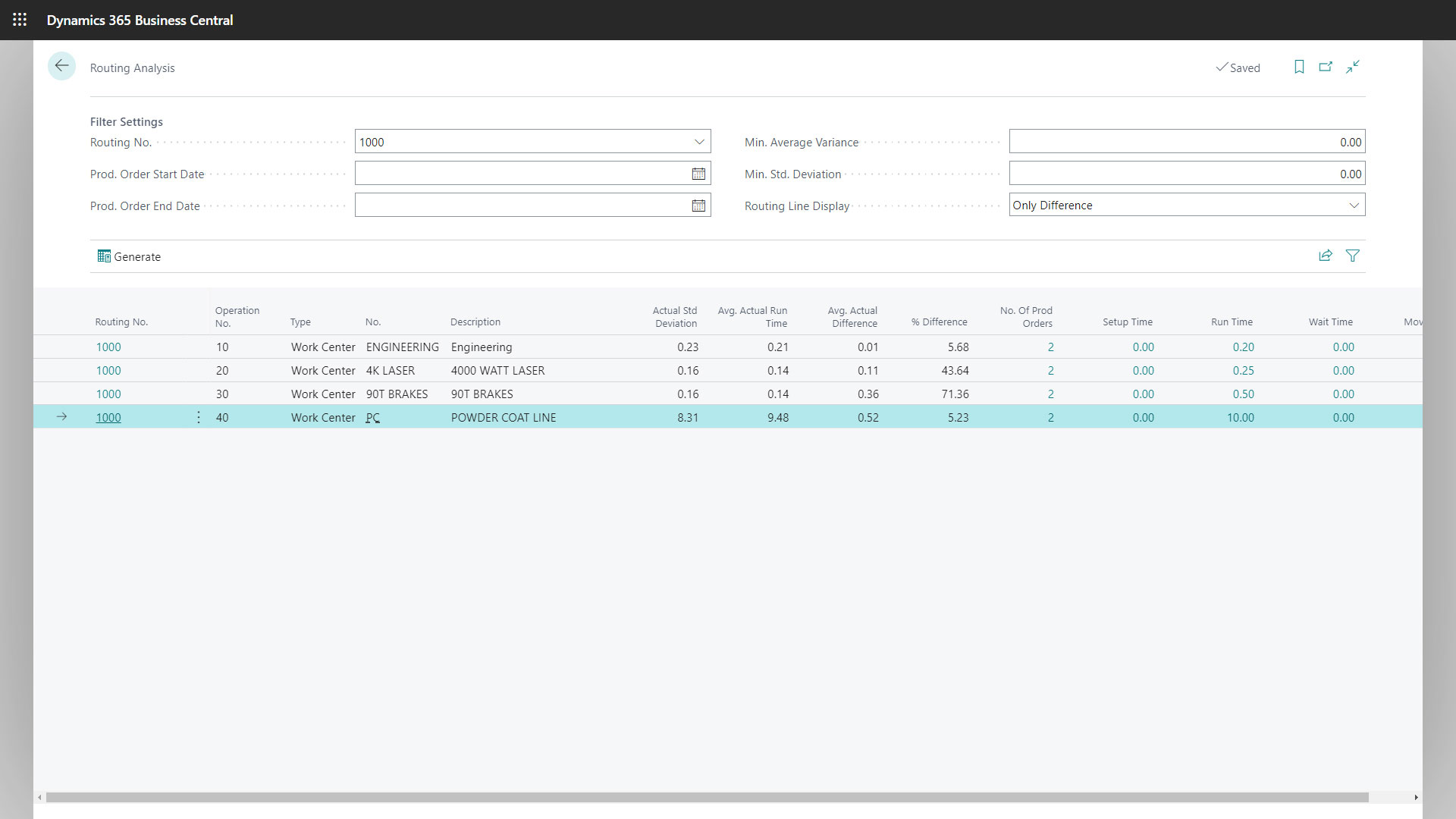
Routing Analysis
Comparison of Actual and Expected Times
Compares actual times recorded on the shop floor with expected runtimes and setup times.
Integration with Shop Floor Insight
Records actual times using tools like Shop Floor Insight for comprehensive analysis.
Analysis of Routings
Analyzes routing and BOMs instead of individual items for a more efficient review.
Production Order Analysis
Examines all production orders that have used a particular routing.
Outlier Identification
Identifies significant deviations between actual and expected times to ensure optimal costing and scheduling.