Features of Shop Floor Insight
Time and Attendance Management
Comprehensive MES solution: Barcoded time capture and employee time management for Dynamics 365 Business Central.
Eliminate manual time entry: Barcode scanning for Production Orders, Jobs, Service Orders, and Fixed Assets.
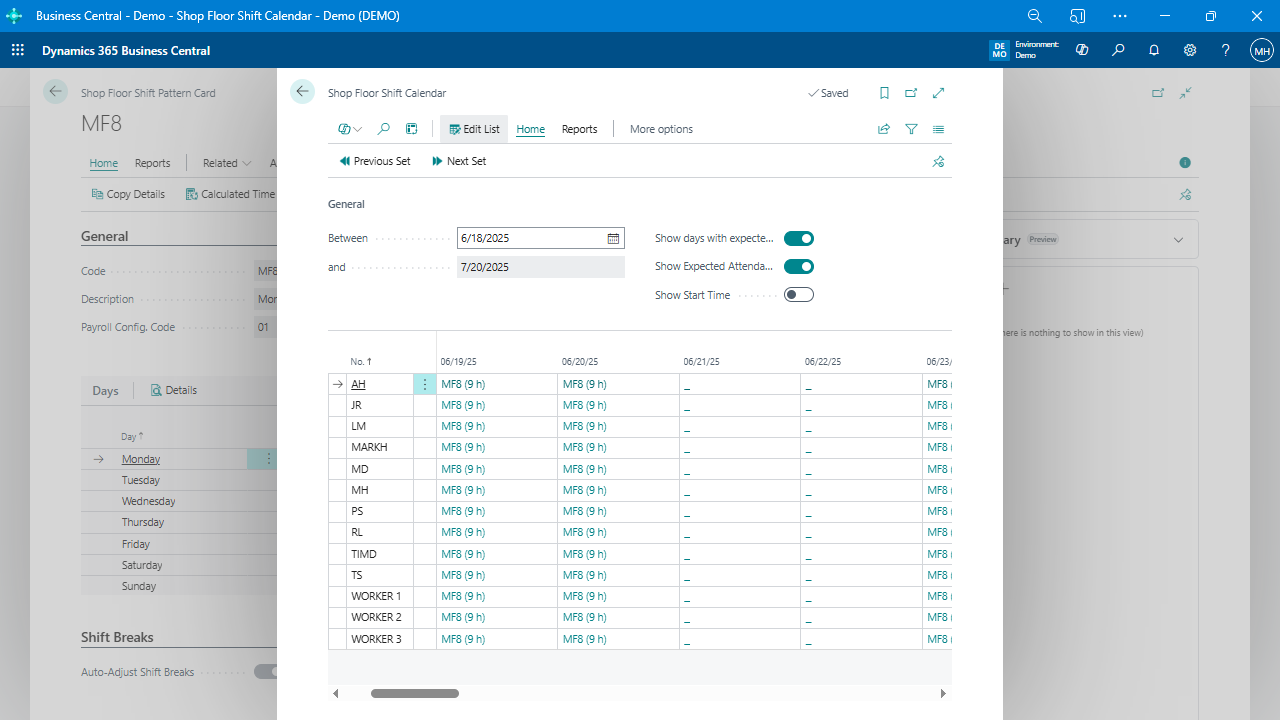
Time and attendance management: Based on employee shifts with exception reporting.
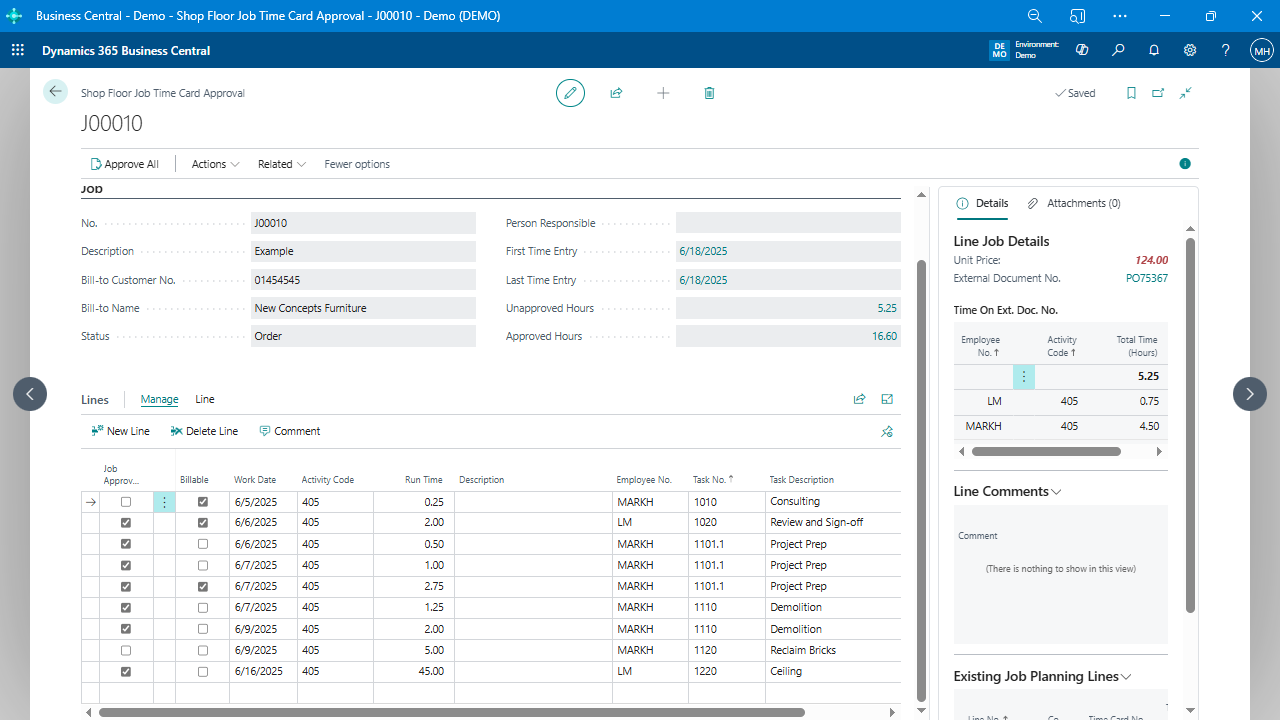
Exception-based supervisor approvals: Simplify time approval process.
Automatic overtime and shift differential calculations: Streamline integration with payroll systems.
Mobile time tracking: Clock-on and clock-off tasks using a smartphone.
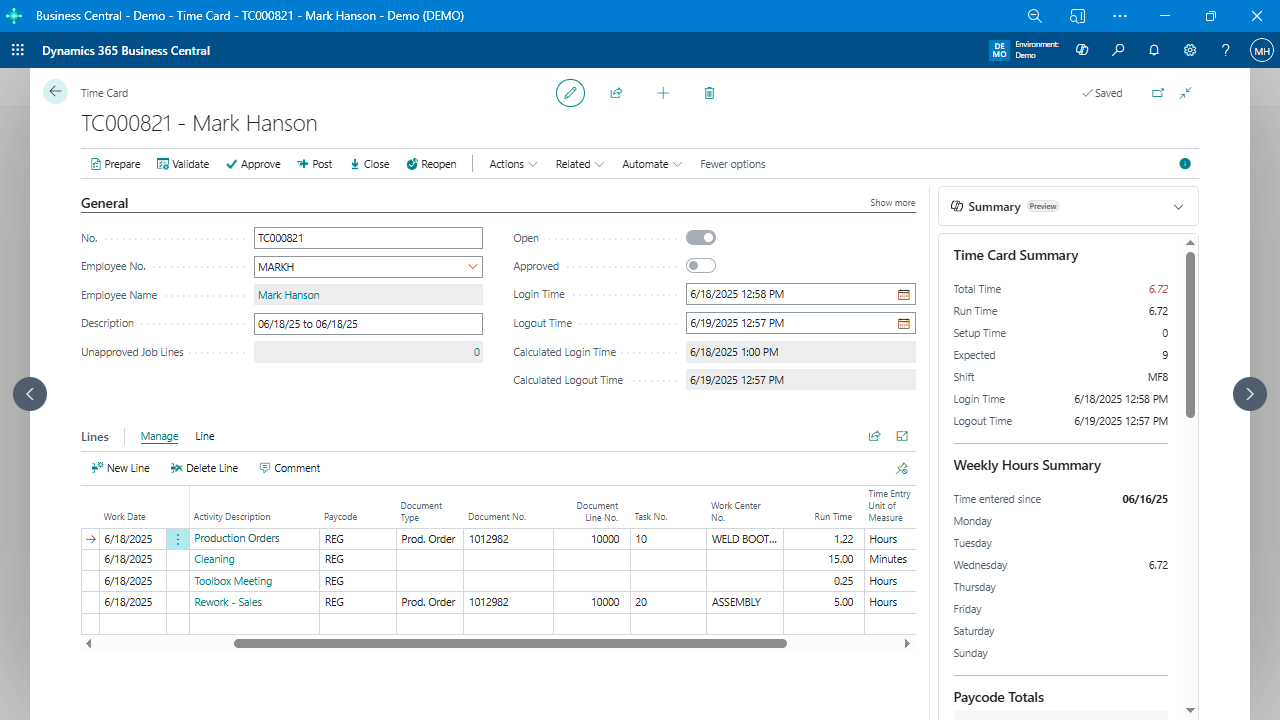
Simplified Time Validation & Approval: Locate anomalies and reduce validation time and costs with easy-to-use tools.
Payroll Integration: Export time & attendance data to integrate with any payroll provider, reducing double entry.
Data Capture and User Interface
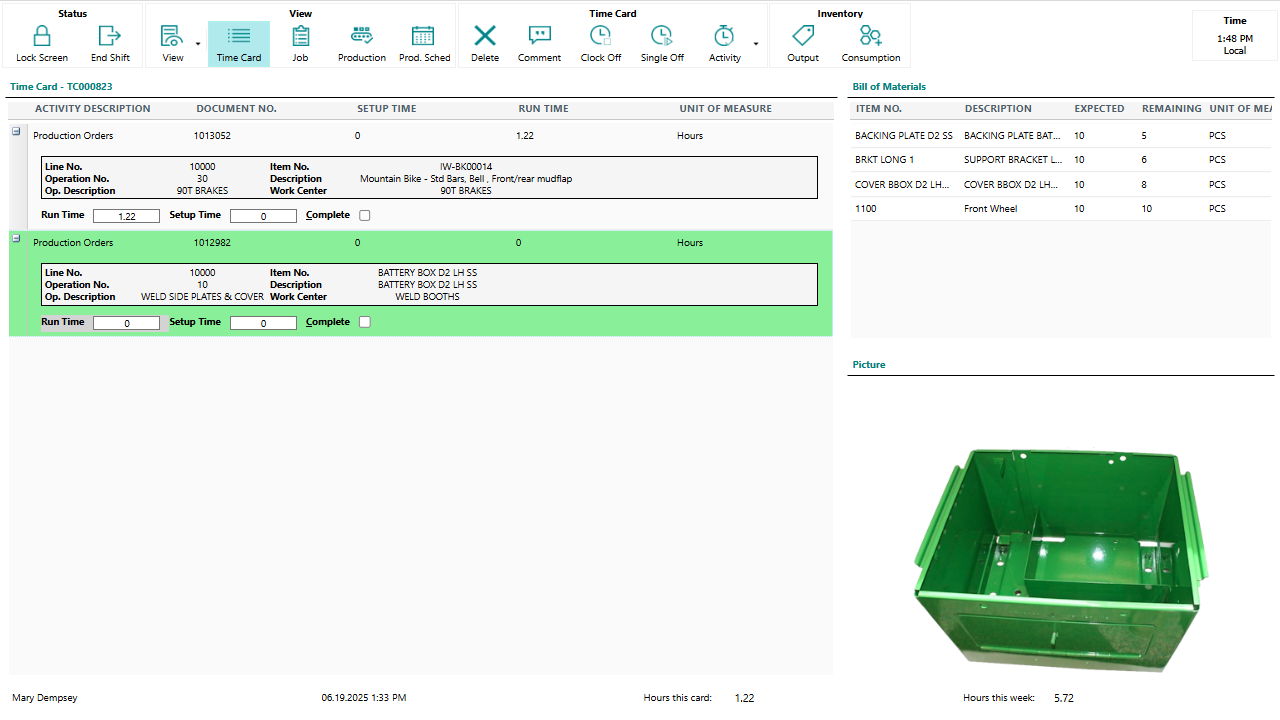
Professional production management: Utilizes barcodes or touch screens for data capture.
Barcode data collection: Capture labor time through barcodes, making it easy for employees to log their work.
Terminal support: Supports a variety of devices, including Chromebooks, Android or Windows tablets, and standard PCs.
Intuitive Shop Floor User Interface: Speed up adoption with an interface designed to resemble a paper timecard.
Production Management and Scheduling
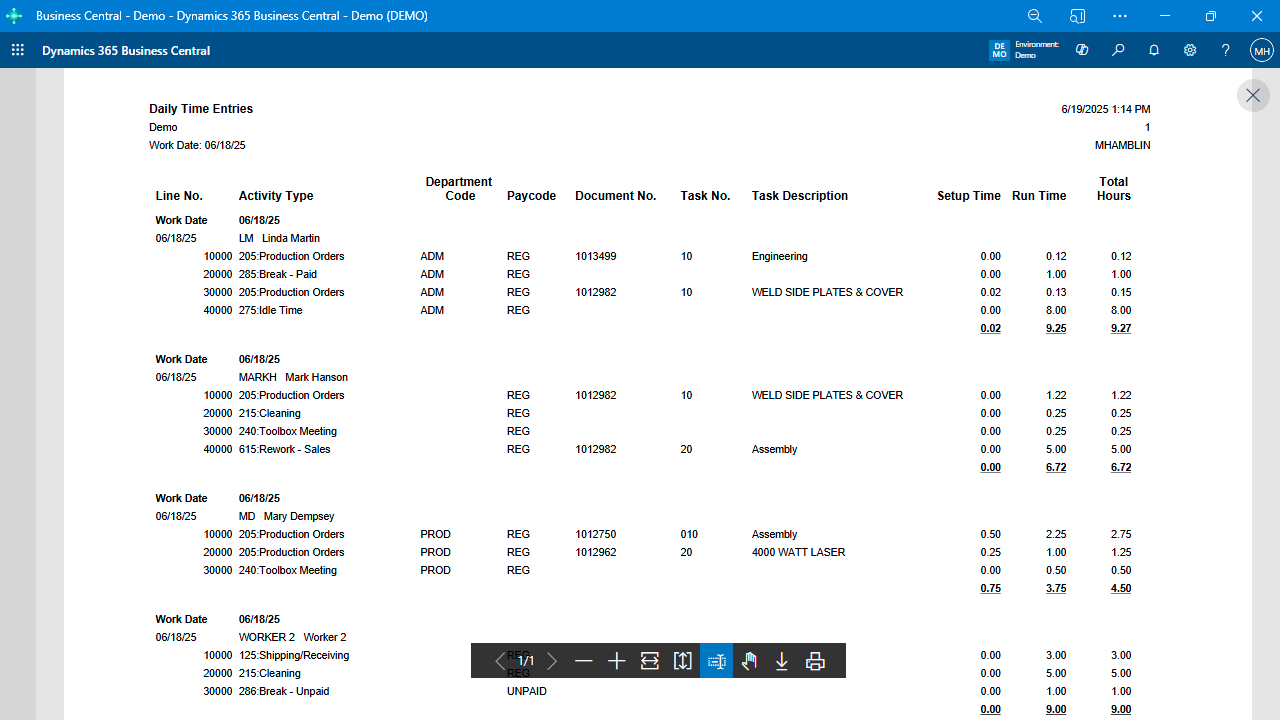
Non-productive and rework time recording: Gain insight into lost productivity.
Significantly reduce rework: Easily capture and analyze rework time on the shop floor.
Barcoded Production Orders and Jobs: Speed up shop floor time collection and reduce data entry errors.
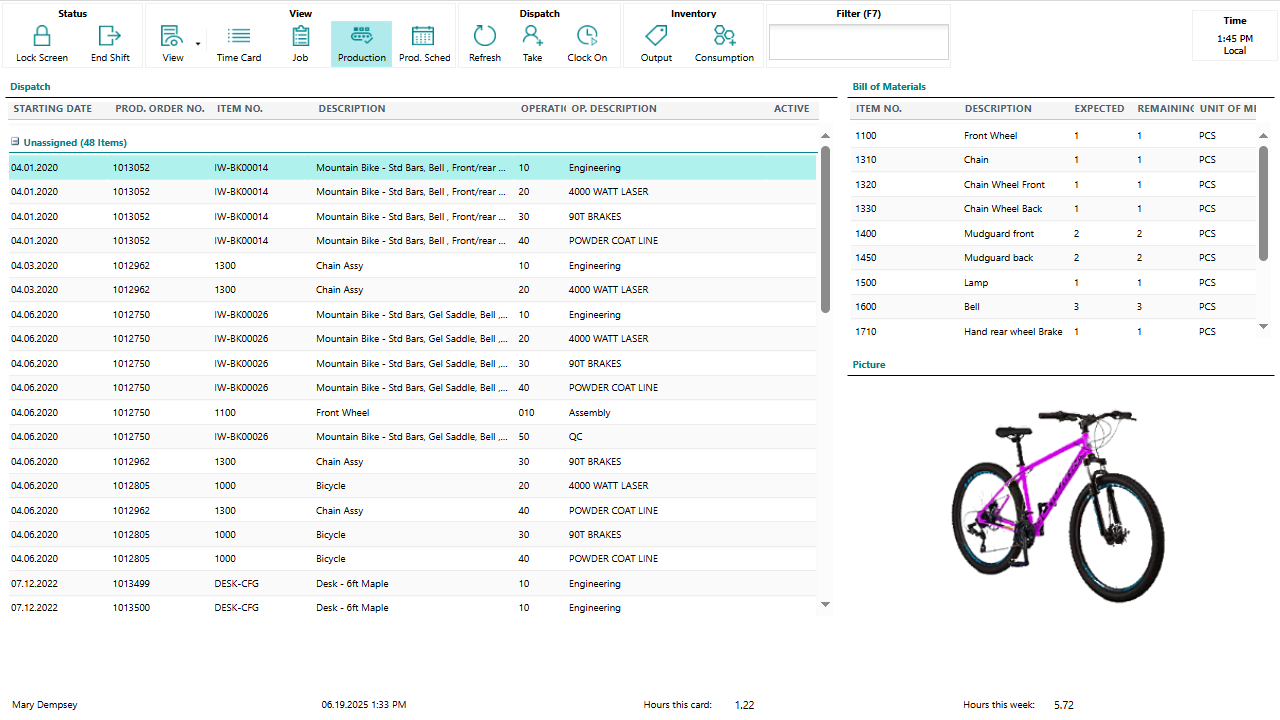
Scheduling Whiteboard & Graphical Dispatch List: Visual production scheduler for effective workload management.
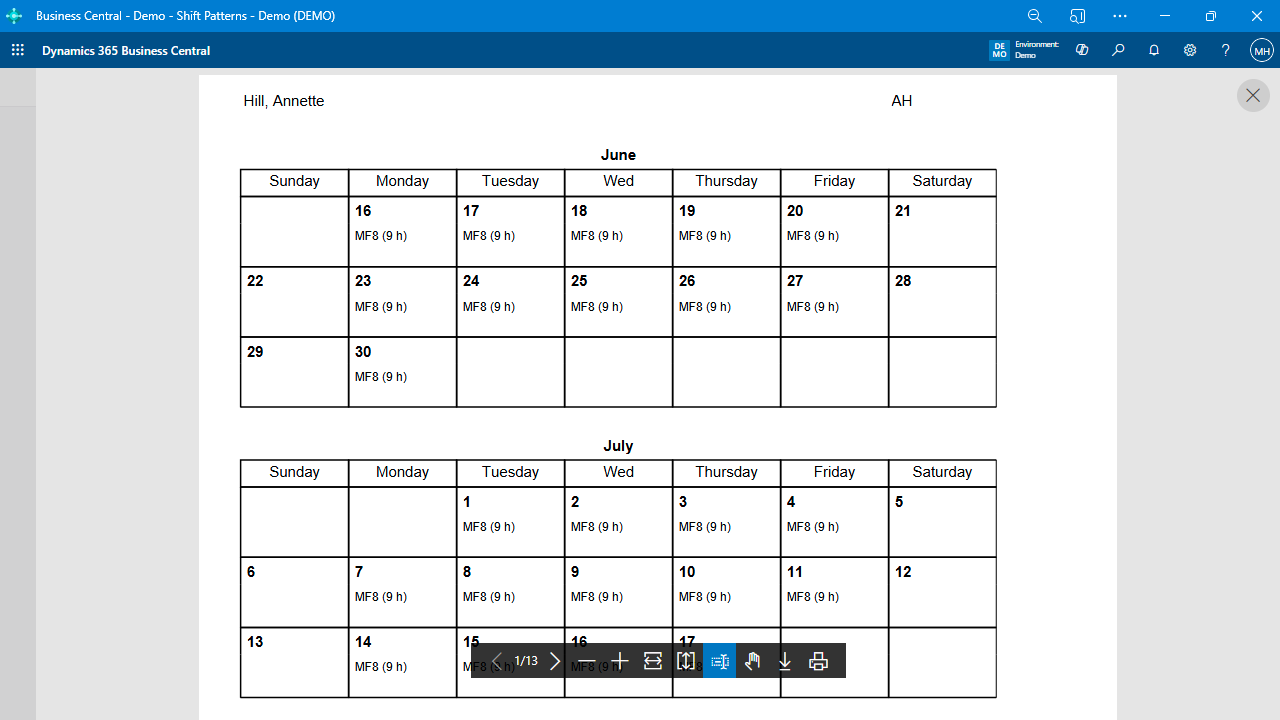
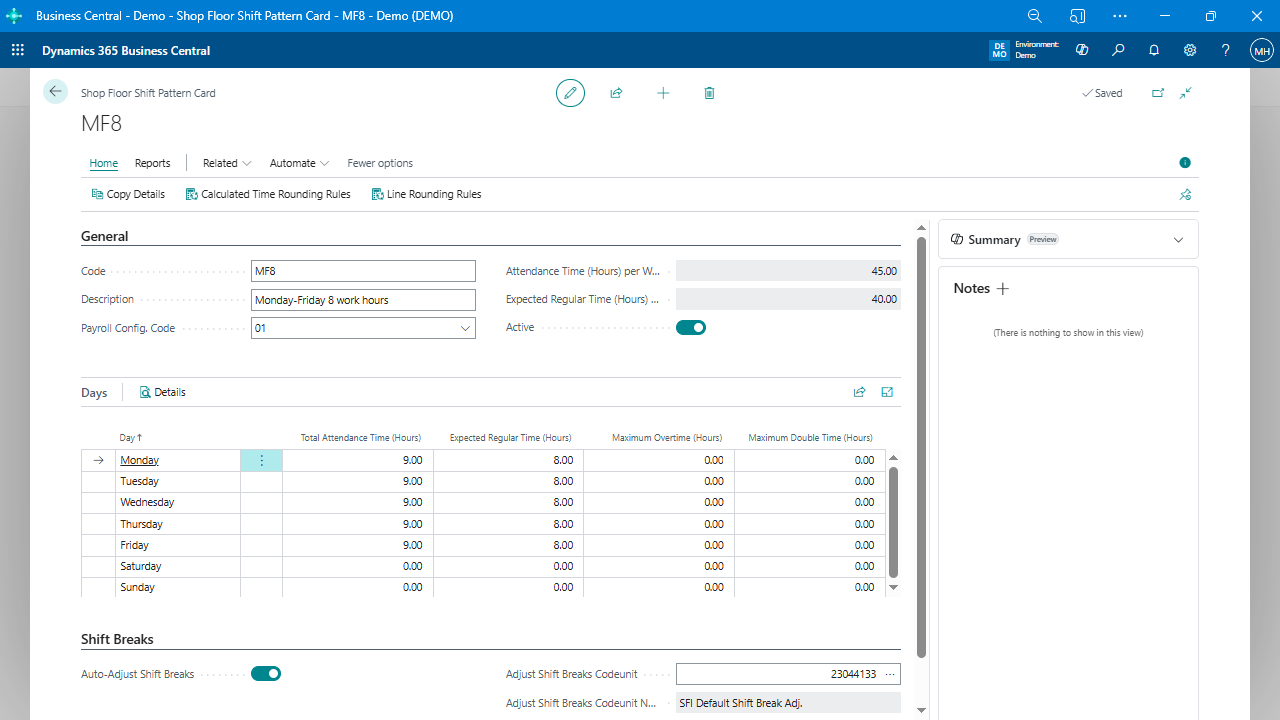
Shift scheduling: Allows for scheduling employees to work certain shifts, impacting overtime calculation and payment.
Quality and Process Tracking
Capture operational data: Record consumption, output, scrap, and quality on the shop floor.
Quality Tracking: Manage quality assurance processes to increase customer satisfaction by tracking information related to quality, compliance, and production.
Capture Rework Time: Collect and analyze rework time data to identify root causes and improve profit margins.
Quality inspections: Record data for quality attributes, set up tolerances and rules to determine if the data entered is acceptable or not, and store the information in Business Central for filtering and triggering additional processes.
Reporting and Analysis
Real-time reporting: Analyze job progression and costing, maintain detailed production history.
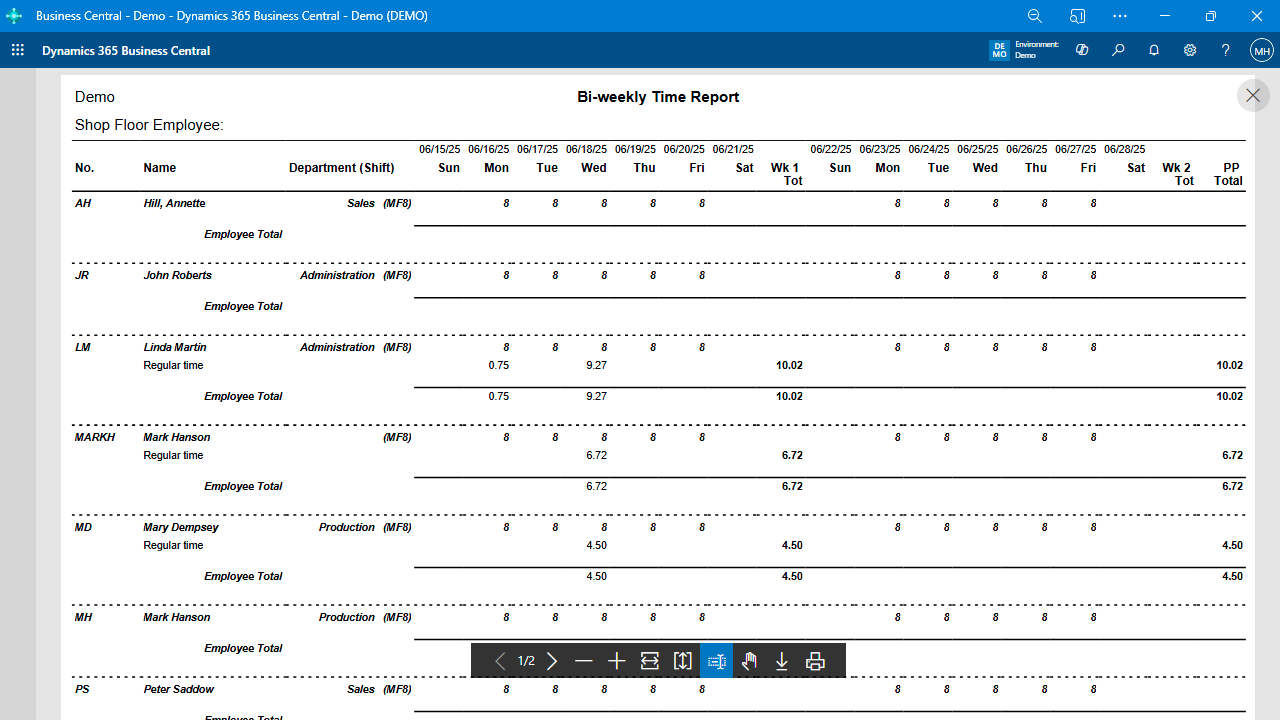
Reporting and data analysis: Capture detailed data that can be reported and analyzed using tools like Power BI or Excel, creating KPIs, monitoring productivity, and identifying causes of rework to improve overall efficiency and reduce costs.
Payroll analysis: Analyze payroll spend, overtime expenses, and determine the need for additional shifts or subcontracting.
Flexible reporting: Use pivot tables to create custom reports, such as machine utilization, employee hours, and more.
Integration with Excel and Business Central: Access data from one table to create reports and analyze information in Excel or Business Central.
Configuration and Integration
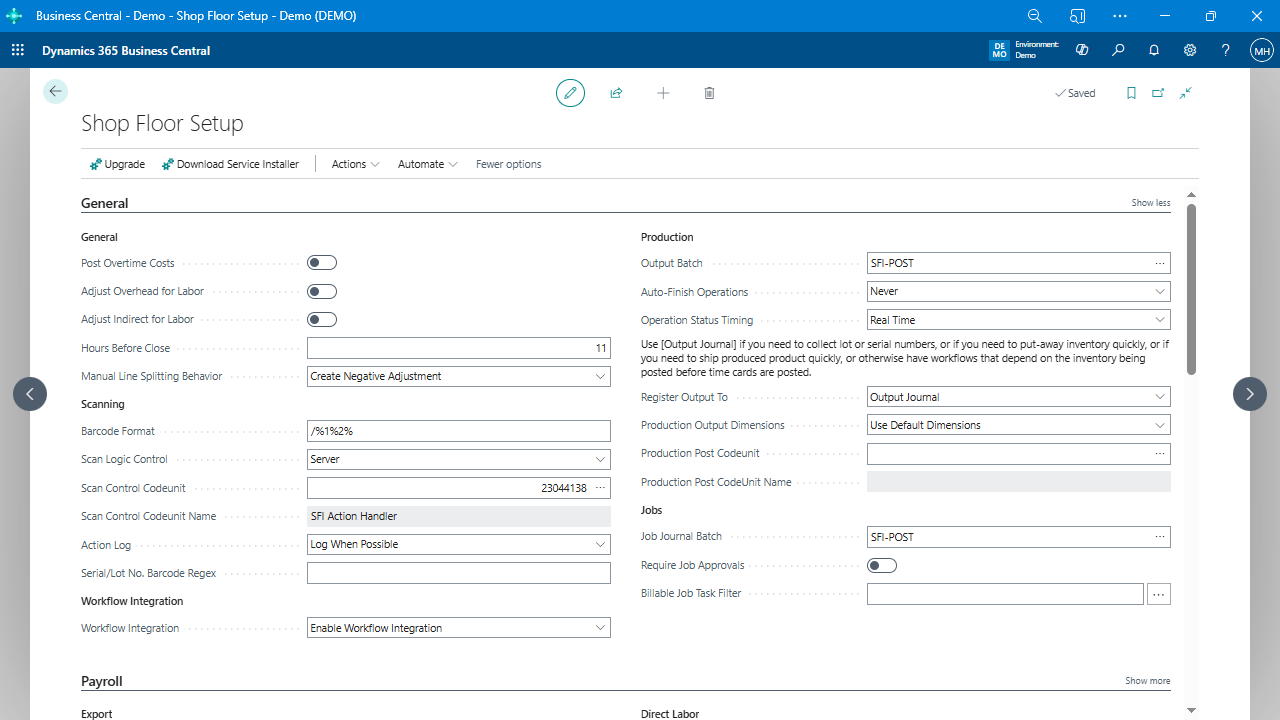
Configurable Payroll Rules: Adapt to various workforce configurations and manage labor costs, downtime, and more.
Multi-level Approvals: Enhance accountability and mitigate risks with multiple approval levels for time collection data.
User Profiles: Create user interface profiles to improve shop floor efficiency.
Color Configuration: Streamline processes using color assignments for better visibility on timecards.
Facial Recognition: Increase accuracy and security with a hands-free login system.
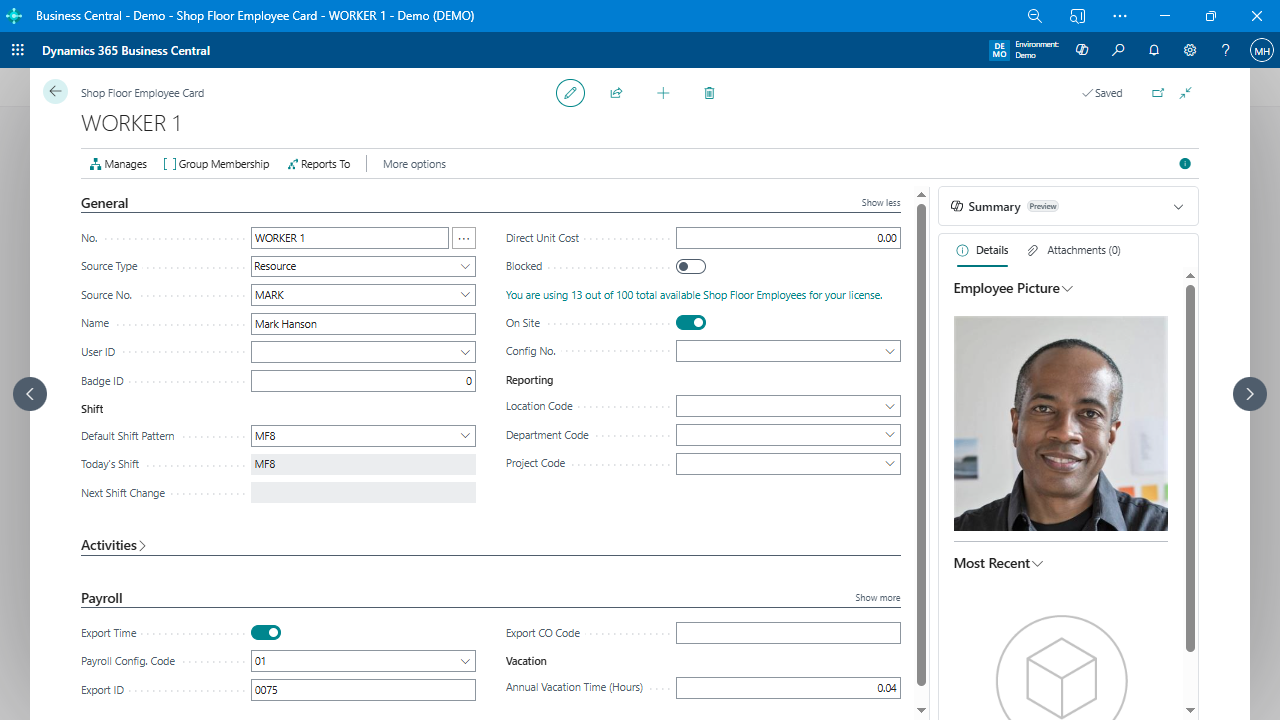
Employee badges with barcodes: For easy identification and tracking.
Time clock interface with photo capture: Ensures accurate tracking of attendance.
Automated time tracking: Clock in and out of production orders by scanning barcodes or manually entering time.
Simultaneous production order tracking: Capture machine time independently of labor time.
Batching: Scan multiple production orders simultaneously, perform work, and clock off the batch while splitting time proportionally across the entire batch.
Manual time entry option: Utilize a dispatch list to manually enter time without using barcodes.
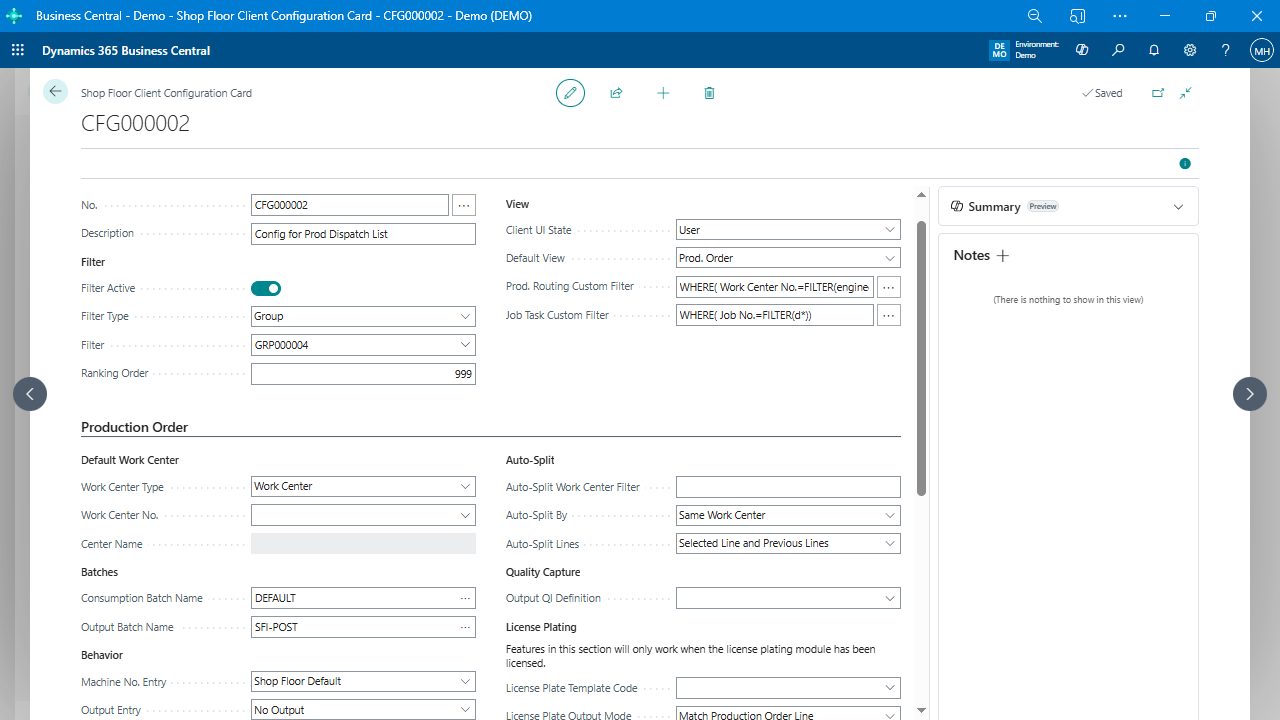
Graphical dispatch list: A visual representation of upcoming work with options for color customization and drag-and-drop scheduling.
Bill of materials (BOM) consumption and output recording: Record lot numbers, serial numbers, and scrap components directly from the shop floor.
Employee-specific work assignment: Assign work to specific employees within a work center.
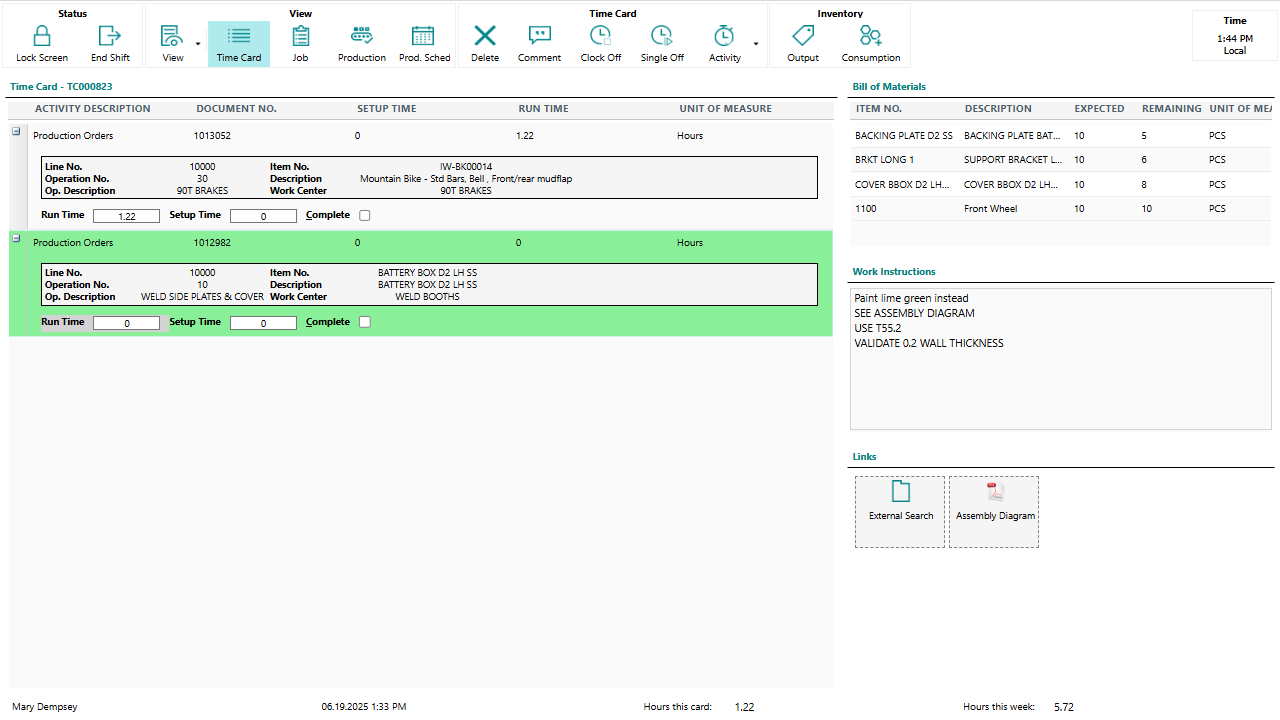
Work instructions: Display work instructions for specific activities from the routing and/or order, extending to include additional information, such as elapsed time and other statistics.
Rework tracking: Track rework time easily by scanning a barcode and specifying the root cause code for the rework, helping to identify and reduce costly rework on the shop floor.
Timecard approvals: Supervisors review and approve employee timecards, identifying and resolving validation errors.