Features of Quality Inspector
Quality Inspection Templates
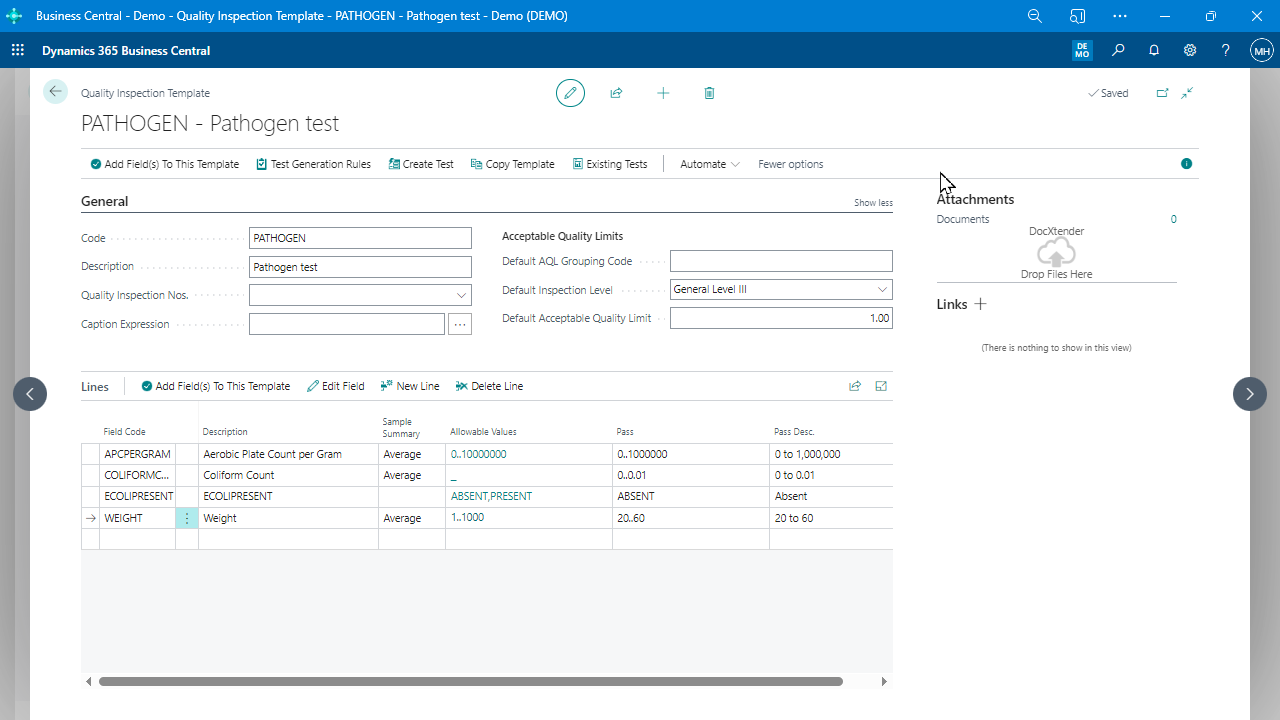
Define customized entry forms, attributes, and pass/fail criteria for each work center or product to streamline the inspection process.
Multiple test plans (“Test Templates”)
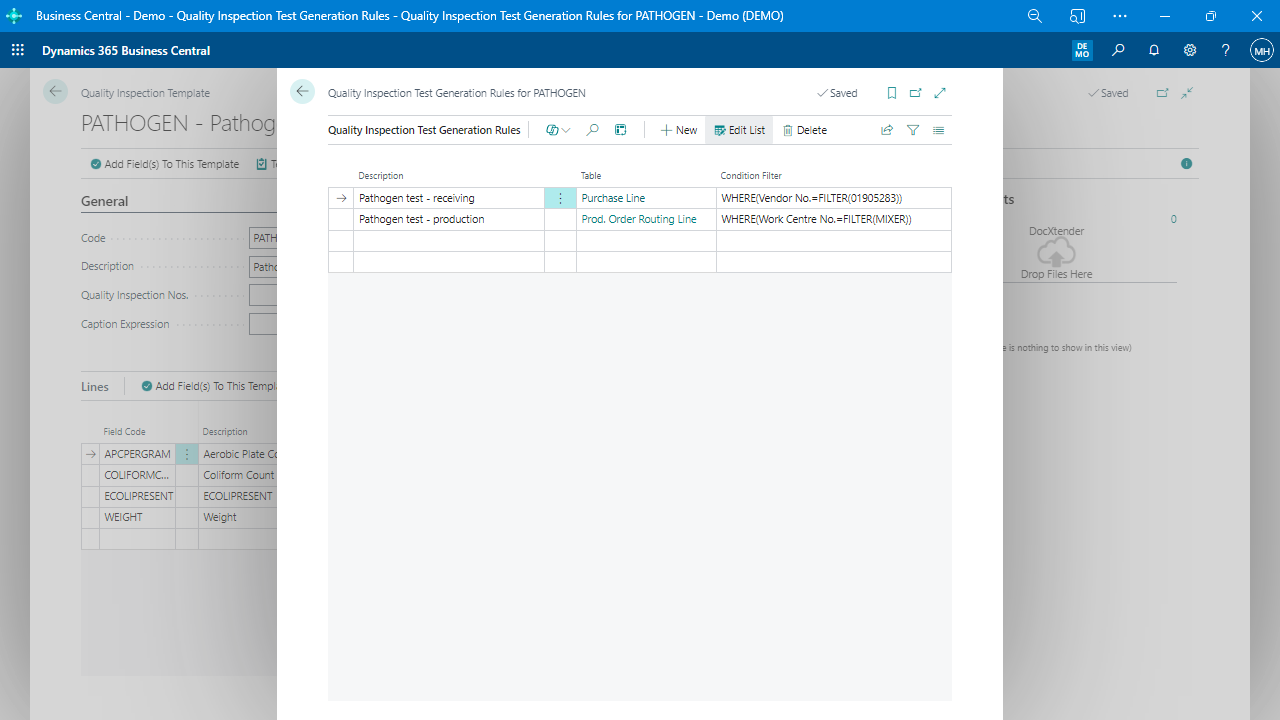
Create different test plans with customizable triggering criteria to suit specific products or processes.
Mobile-Friendly User Interface
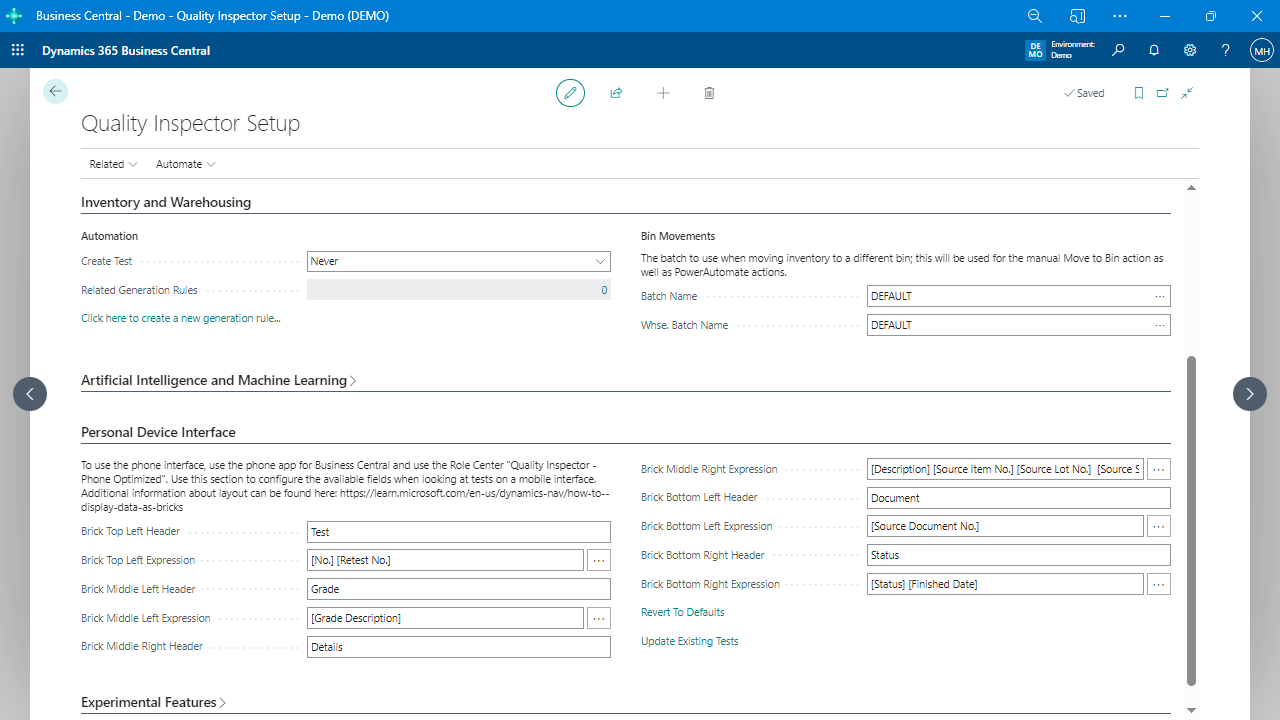
Quality Inspector features a Role Center optimized for capturing tests on both Business Central phone and tablet clients, ensuring a seamless and user-friendly experience across devices for efficient quality inspection data collection.
Automated Test Creation
Streamline the inspection process by allowing manual and ad hoc quality inspections with accurate and relevant data collection, ensuring a comprehensive and efficient quality assurance system.
Support for various test result types
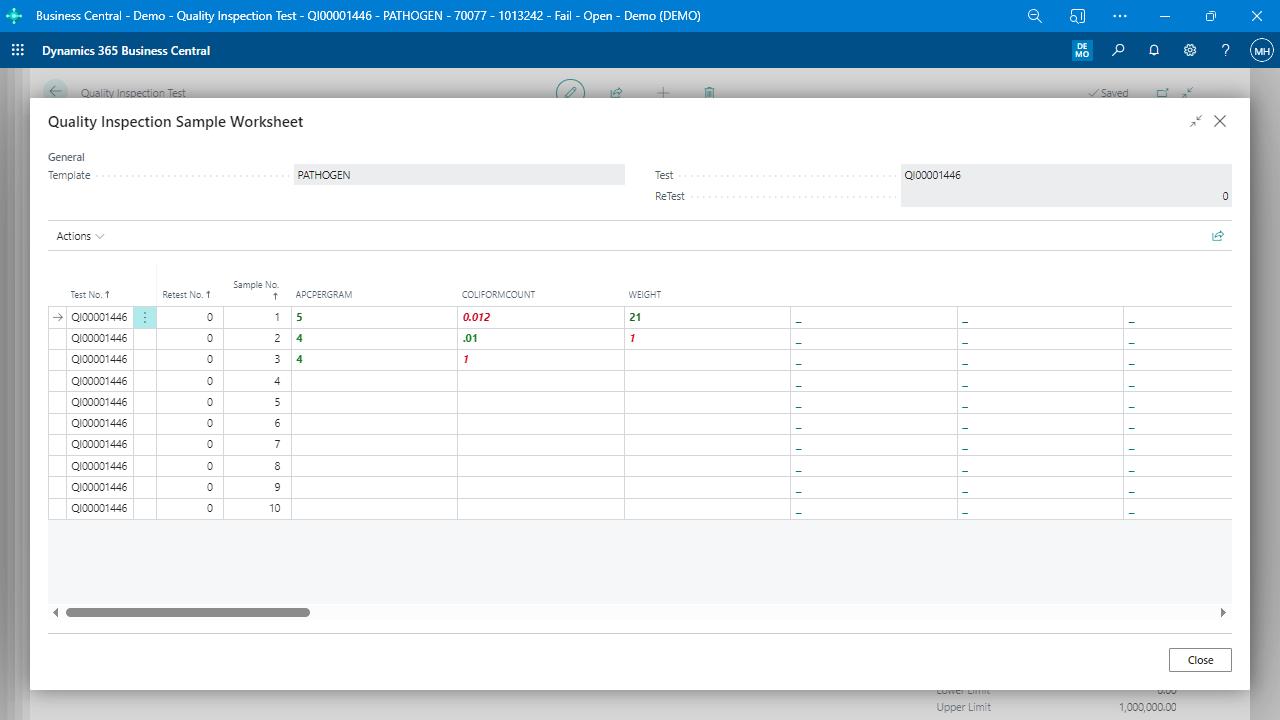
Record test results in various formats, including numbers, choices, table lookups, free text, dates, and images.
Picture capturing and attachment to tests with automatic OneDrive upload
Capture images during inspections and attach them to tests, with automatic uploading to OneDrive for easy storage and retrieval.
Centralized Inspection Data Management
Record and display the results of each test on the Quality Inspection Test Page, while also storing detailed information about each question, value, and test result, enabling easy review, analysis, and future reference of inspection data in one centralized location.
Document links and attachments on individual tests
Add supporting documents, links, or attachments to individual tests for easy reference during the inspection process.
Inbound Receiving Tests
Facilitate thorough inspection of purchased items during the inbound receiving process, ensuring product quality and compliance while minimizing the risk of issues related to supplier-provided materials. This feature addresses a key advantage of the Quality Inspector app, catering to a significant portion of user inquiries.
Retest Feature
Enable supervisors to initiate a retest for failed inspections, ensuring that issues are resolved, and quality standards are met.
Controls to require tests before specific activities
Enforce quality inspections before performing certain activities, such as posting receipts or production output.
Blocking lot transactions based on test grades
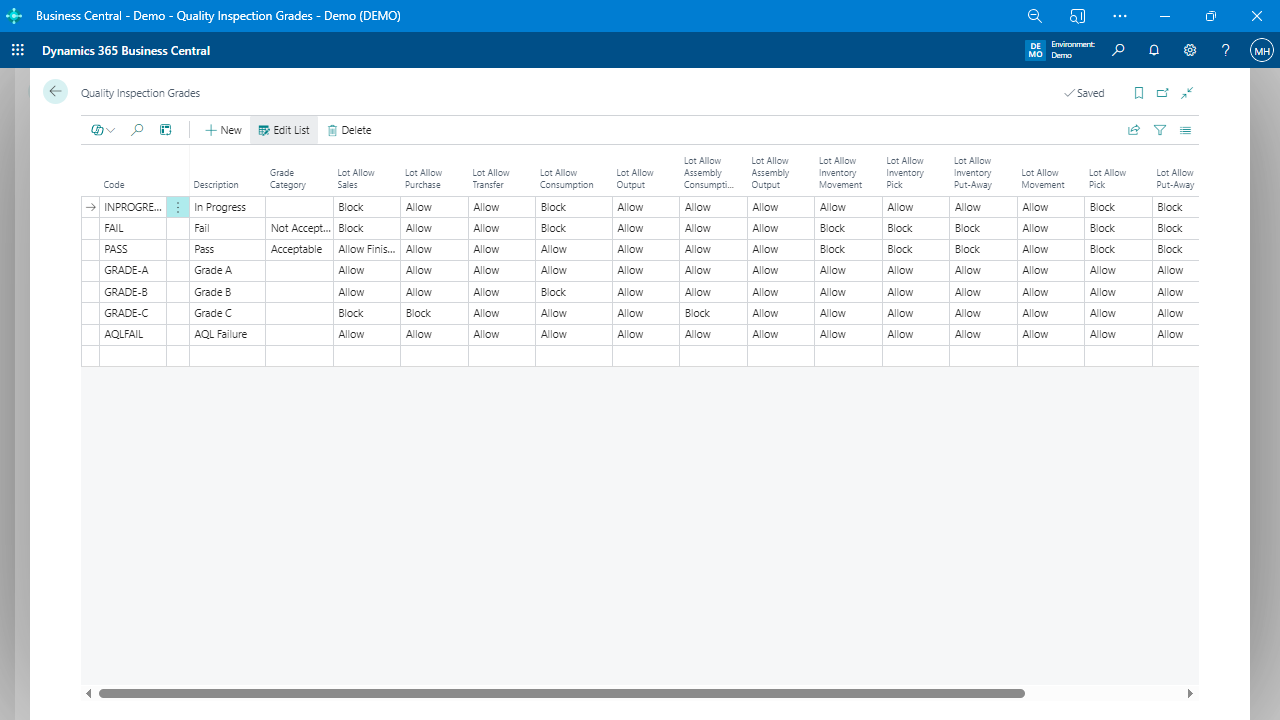
Prevent transactions, such as sales, from being posted for a given lot based on configured test grades.
Role Center optimization for capturing tests on Business Central phone and tablet clients
Optimize the user interface for mobile devices, making it easy to capture test data on the go.
Certificate of Analysis example report
Generate an example report that certifies the quality of a product based on test results.
Power Platform Integration
Seamlessly integrate inspection data with Microsoft Dynamics 365 Business Central and the Power Platform, providing a unified system to manage inspection data, automate processes, and enhance collaboration across various business functions.
Automatic Test Creation with Power Automate
Automatically create tests for Receiving and Production Orders when certain events occur in Business Central, and leverage Power Automate for triggering tests in other scenarios, enhancing the efficiency and versatility of the quality inspection process.
Visual Chart for plotting historical numerical values over time
Display historical test data in a visual format, making it easy to analyze trends and patterns.
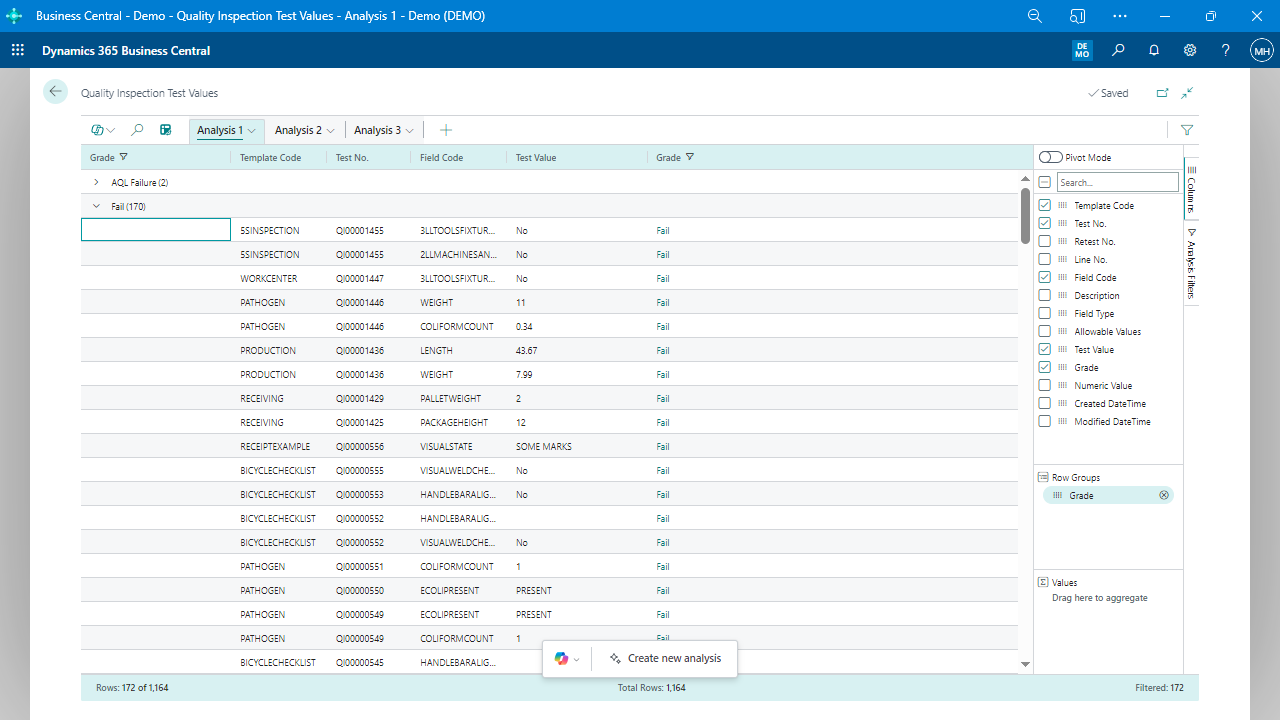
List of test values for easy exporting to Excel, Power BI, etc.
Export test data to external tools like Excel or Power BI for further analysis and reporting.
Streamlined Quality Assurance with Microsoft Teams Integration
Quality Inspector’s seamless integration with Microsoft Teams enables real-time collaboration, communication, and data sharing, enhancing the efficiency and effectiveness of quality control processes across the organization.