


Microsoft Dynamics 365 Business Central is great at managing orders, inventory, and fulfillment workflows—but when it comes to shipping parcels quickly and cost-effectively, the built-in features just don’t cut it.
If you’re still relying on manual rate lookups, separate carrier portals, or copying tracking numbers into Business Central, it’s costing your team time—and likely costing your business money. That’s where Order Ship Express, a free app from Insight Works, fills the gap.
Designed specifically for domestic parcel shipping, Order Ship Express gives you real-time carrier integration and label generation—all from inside Business Central. The app supports up to three carriers per environment, but thanks to integration with EasyPost, you can now choose from a wide and growing list of supported carriers—including UPS, DHL, FedEx, USPS, and many more.
Let’s break down what Business Central can’t do natively and how Order Ship Express solves it.
Business Central doesn’t connect directly to major carriers that are out of the box. That means you can’t see real-time shipping rates without flipping to a third-party site or tool.
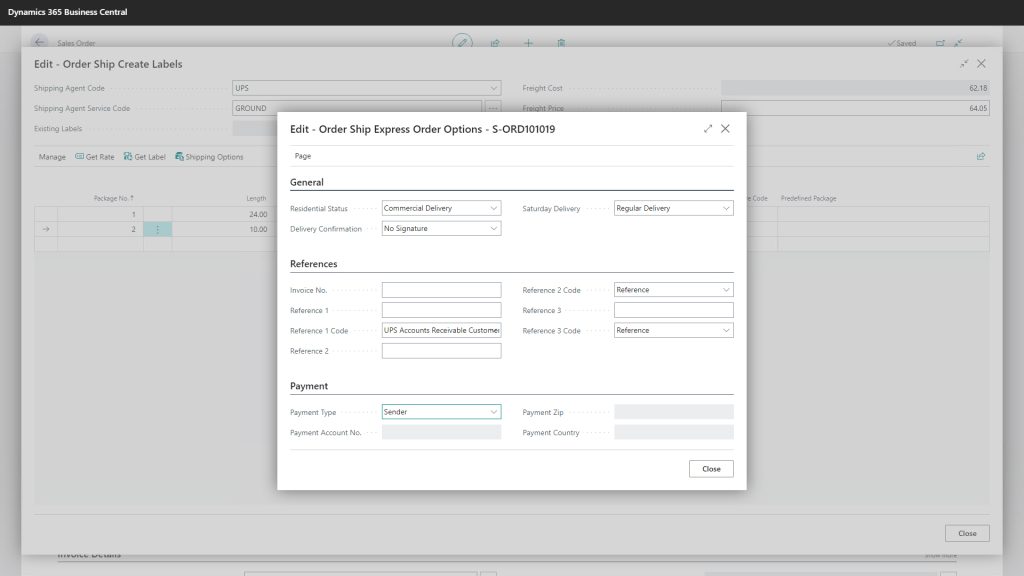
With Order Ship Express, you get direct integration to parcel carriers via EasyPost, with real-time rate lookup baked right into the Sales Order screen. You can compare service levels and costs before committing to a shipment, all without leaving Business Central.
Without shipping integration, generating a label means re-keying the address and package info into a carrier’s site, downloading a label, and attaching it to an order in Business Central.
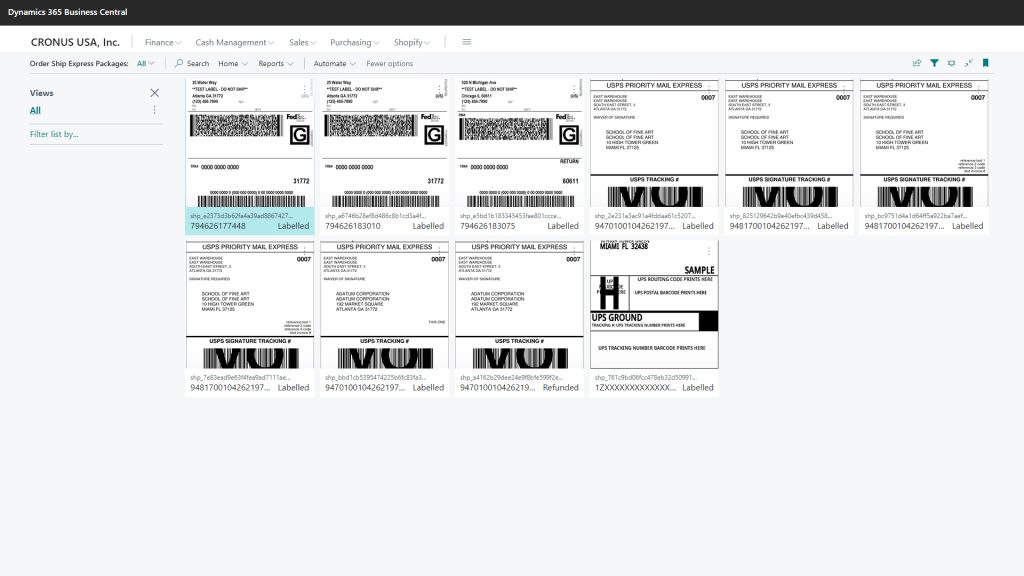
Order Ship Express eliminates that. You can generate and print carrier labels in seconds, directly from the sales order, using predefined package sizes or custom dimensions.
Business Central doesn’t offer a unified dashboard for managing multiple carrier accounts. You’re on your own to keep track of which orders use which carrier and which rates.
Order Ship Express centralizes this. You can link up to three carriers to your EasyPost account—choosing from dozens of supported providers—and select the right one per shipment, all within a single interface.
Need to generate a return label for a customer? Business Central won’t help you there.
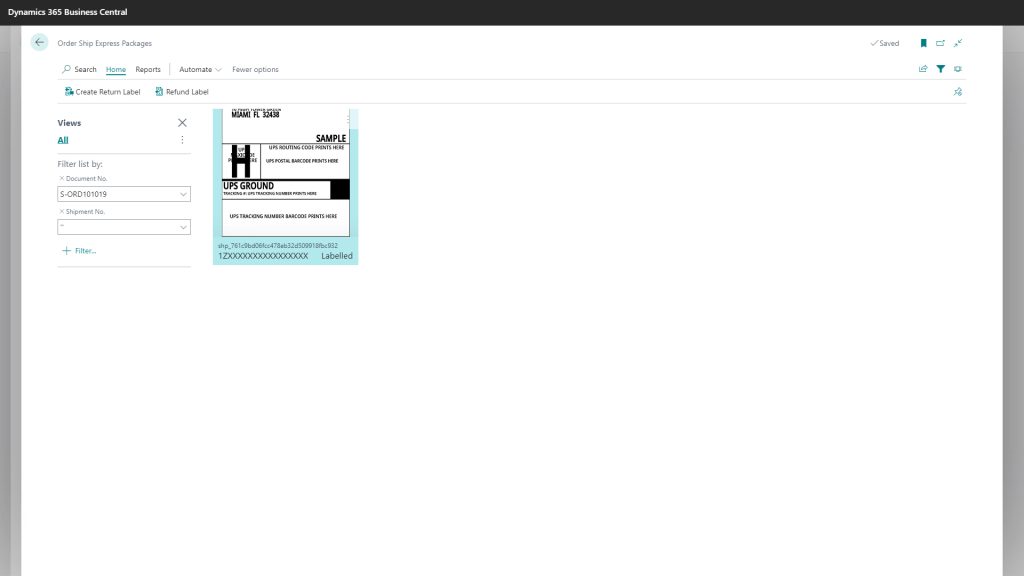
With Order Ship Express, return labels are just a click away. Go to any posted shipment or invoice and generate a return label instantly, making the return process smoother for your customers and your team.
Business Central doesn’t support automated freight markup or advanced pricing rules tied to shipping.
Order Ship Express lets you set percentage markups per carrier so that you can cover shipping costs (or even turn a margin on it). For those with more advanced needs, there are extension points to customize freight logic using AL event subscribers.
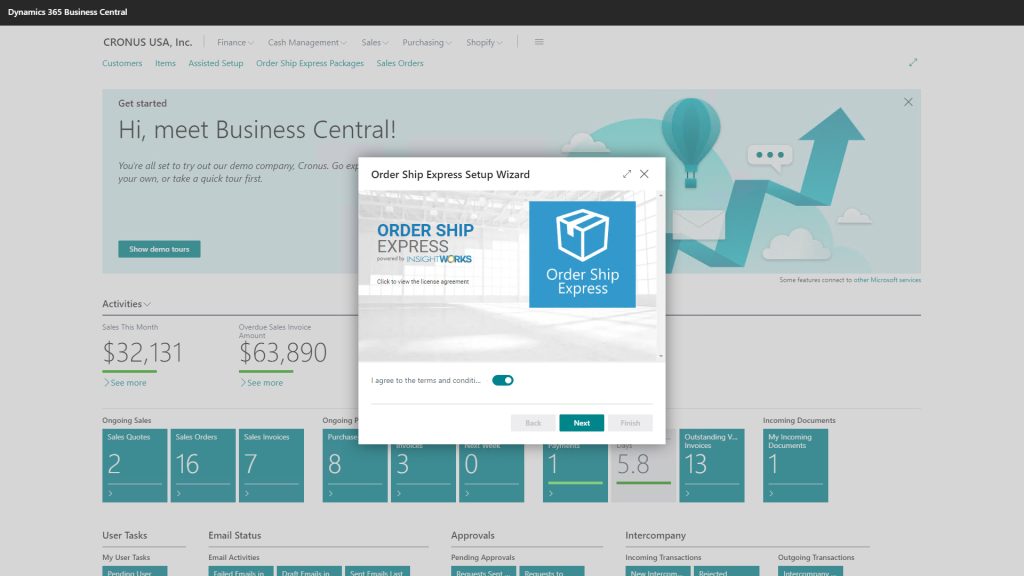
A final point worth repeating: Order Ship Express is free to use with Dynamics 365 Business Central. You only pay for shipping via your carrier (or use discounted rates from EasyPost’s built-in accounts). Setup takes less than 30 minutes—and there’s no license fee.
If your team is spending more than a few minutes per order to handle shipping—or if you’re toggling between multiple systems, Business Central’s out-of-the-box tools just aren’t enough.
Order Ship Express streamlines your process with real-time rates, fast label printing, return support, and multi-carrier management—all embedded in Business Central.
You don’t need to overhaul your system. Just install the app, connect EasyPost, and start shipping smarter.
If your business needs international shipping, support for more than three carriers, or capabilities like LTL/FTL freight, check out the Dynamic Ship app from Insight Works. This app offers complete packaging workflows, advanced rate shopping, and freight support—ideal for high-volume or complex shipping environments.