

When businesses evaluate shipping apps for Microsoft Dynamics 365 Business Central, they often start with a simple question:
"Can I print shipping labels inside Business Central?"
And while that’s a fair starting point, if printing labels is all your shipping solution does, then you’re barely scratching the surface.
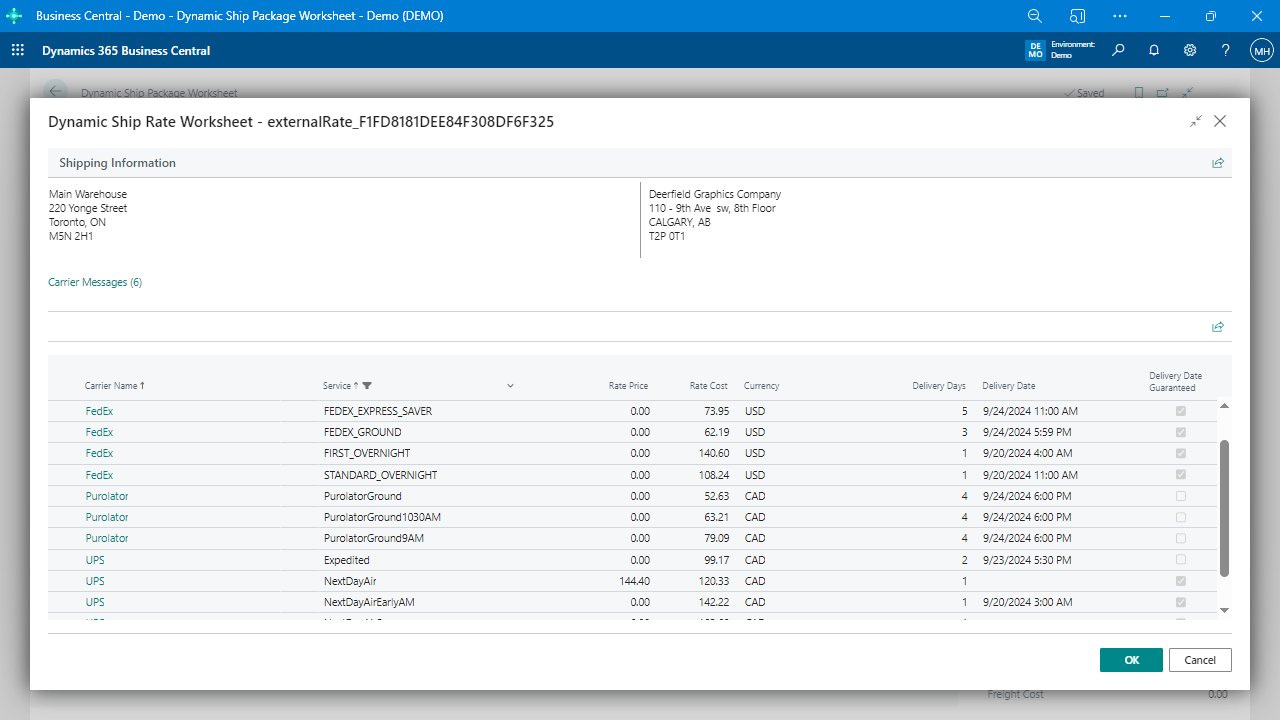
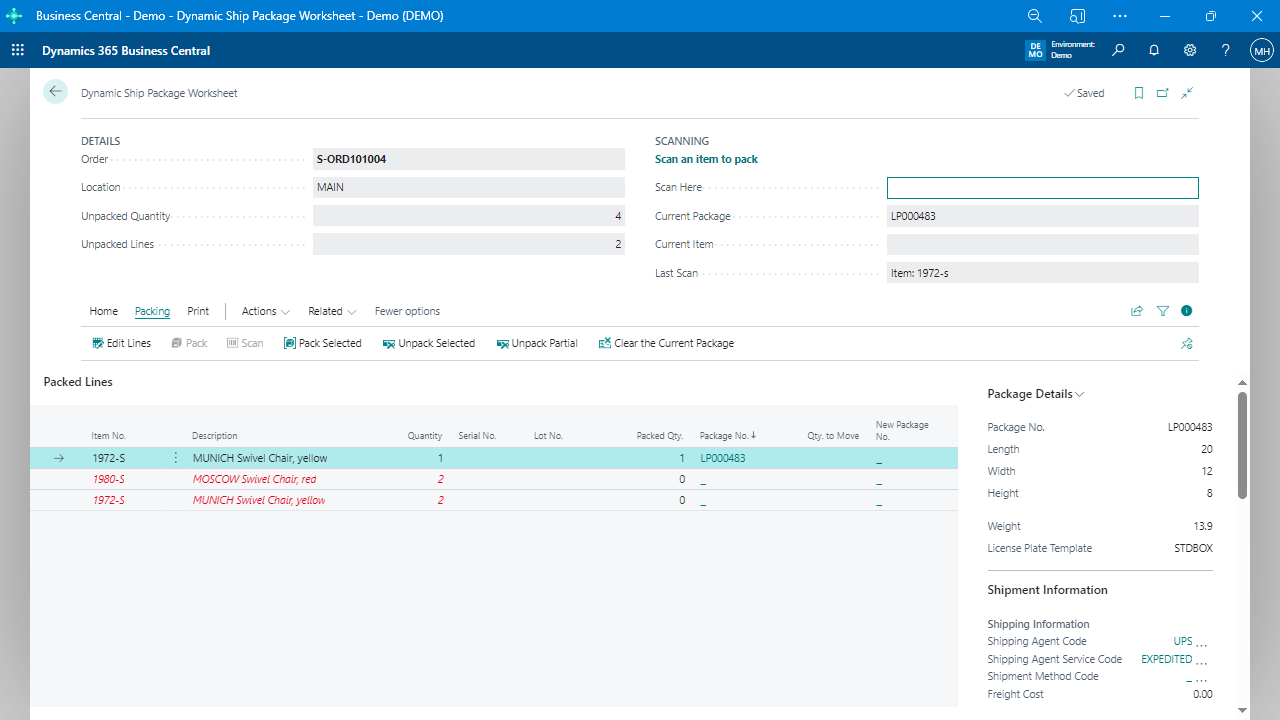
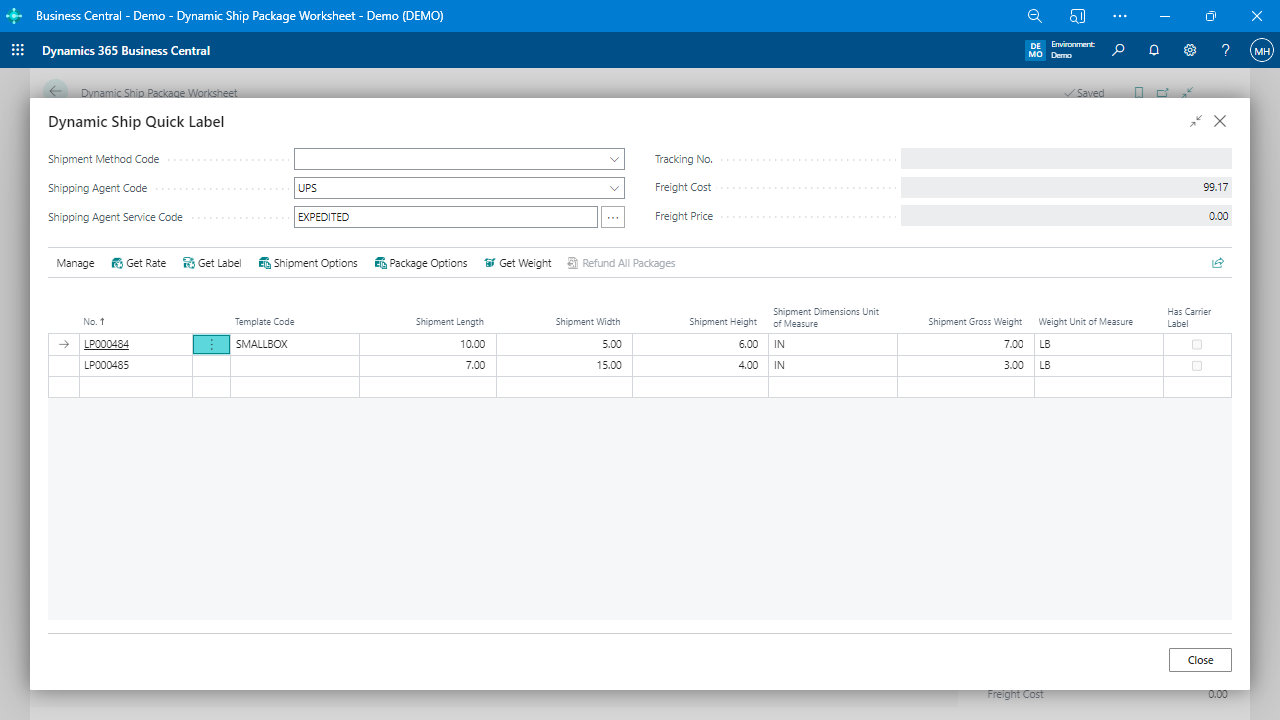
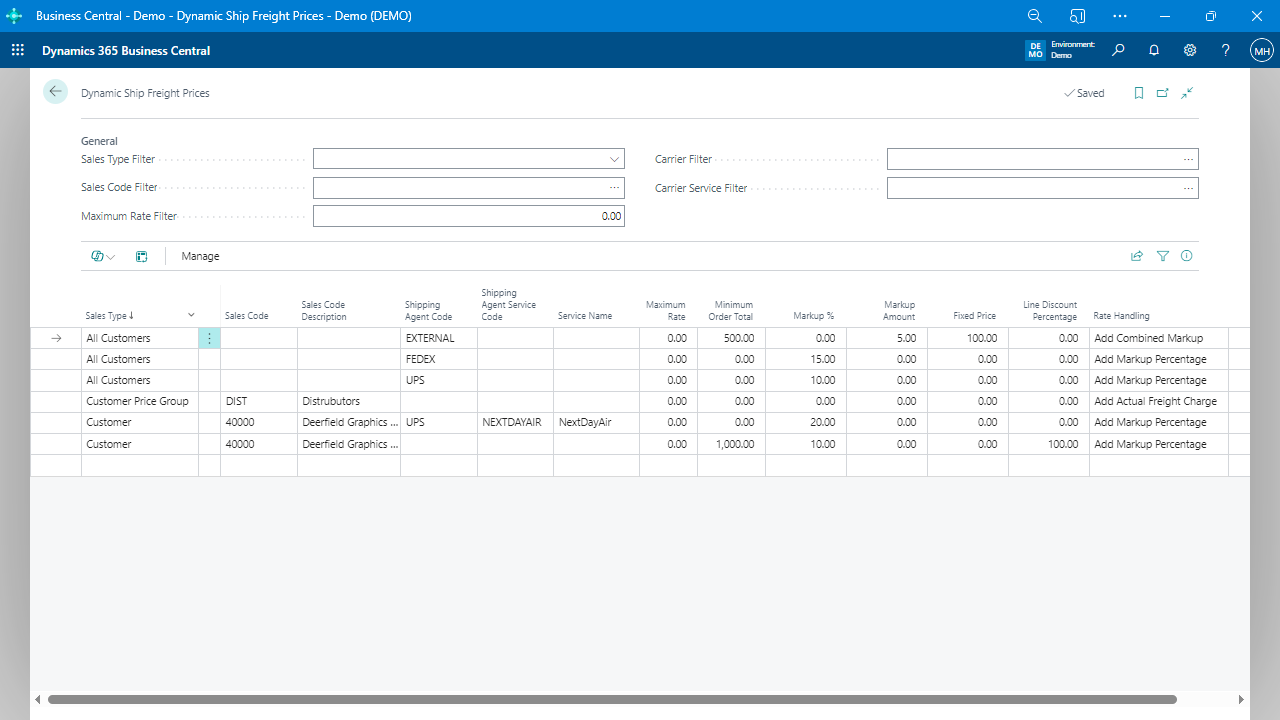
Shipping isn’t just about generating a label—it’s about controlling cost, improving accuracy, simplifying workflows, and adapting to different fulfillment scenarios. From simple parcel shipments to high-volume, multi-package orders, a modern Business Central shipping solution must do more.
Let’s look at what real-world shipping really involves:
If your shipping solution doesn’t support these workflows natively, you’re either working around limitations or paying for bolt-on apps that complicate your system.
Dynamic Ship was designed with SMBs in mind—whether you’re shipping a few boxes per day or managing dozens of outbound pallets per hour. It supports:
You don’t need to know what tomorrow holds. Dynamic Ship is ready when you are.
Many shipping solutions technically integrate with Business Central, but the experience often feels disjointed. You click a button, and suddenly you’re in a browser pop-up or redirected to a third-party portal.
That’s because those apps run outside of Business Central—even if they later push data back into it.
Dynamic Ship is different. It uses carrier APIs—like EasyPost or 2Ship—under the hood, but:
It’s not about whether APIs are used—it’s about how seamlessly the system works for the end user. Dynamic Ship keeps it simple, fast, and consistent—right where your team already works.
Even if you’re not shipping hundreds of orders a day, you still want to complete tasks efficiently. Dynamic Ship speeds things up without forcing complexity.
It’s about letting your team do more with less.
Sometimes, the warehouse team needs options that the front office shouldn’t touch, and Dynamic Ship provides that flexibility.
This kind of flexibility ensures each team sees what they need, when they need it, without stepping on each other’s toes.
There’s a misconception that you have to bolt on additional apps or sacrifice features to stay inside Business Central. That may be true of some solutions, but not Dynamic Ship.
It’s:
That’s not just label printing. That’s real shipping—done right.
Experience how easy, accurate, and fully embedded shipping can be.